Every year somebody tells you classic themes are finished, and every year they keep working. WordPress 7.1 has not changed that: the Customizer is still in core, so are the widgets and menus screens, and your theme will render exactly as it did last week. The honest question is not whether a WordPress classic theme still works — it plainly does — but whether staying on one is costing you anything you should care about.
Is a WordPress classic theme still supported?
Yes, and the evidence is in the core files rather than in anybody’s opinion. WordPress 7.1 still ships customize.php, widgets.php and nav-menus.php, and core still exposes wp_is_block_theme() precisely so that it can behave differently for the two kinds of theme.
| What you keep | What you do not get |
|---|---|
| The Customizer, with live preview | The Site Editor |
| PHP template files you control entirely | Template editing through the admin |
| Widgets and menus screens | Navigation and template-part blocks |
| Any page builder, working normally | Global Styles in the admin interface |
theme.json presets, if you add the file | The Styles panel that edits them |
That fifth row is the one most people do not know about, and it changes the whole calculation. A WordPress classic theme can ship a theme.json and inherit most of the modern styling system without becoming a block theme.
Where the pressure actually comes from: not core. It comes from theme marketplaces that want you to buy a new theme, agencies that would like to quote for a rebuild, and a genuine developer preference for the newer tooling. Those are real motives. None of them is a deprecation notice.
Six honest reasons to keep your WordPress classic theme
| # | Reason | Strength |
|---|---|---|
| 1 | It works, and rebuilds are expensive | Strong |
| 2 | Your team already knows the Customizer | Strong |
| 3 | You have real custom PHP templates | Strong |
| 4 | A page builder already owns your layout | Strong |
| 5 | You can get theme.json benefits anyway | Moderate |
| 6 | Block themes are not automatically faster | Moderate |
1 to 3. The unglamorous reasons, which are the good ones
A working WordPress classic theme is an asset. Rebuilding it produces a site that does the same things, for a sum of money, with a period of instability in the middle. That is a bad trade unless something is actually wrong.
The training argument is stronger for a WordPress classic theme than it sounds. A marketing team that can confidently change a logo, a colour and a menu in the Customizer is a team that does not need you for small changes. Move them to the Site Editor and you will be answering questions for a month — and every one of those questions is a cost that nobody put in the rebuild quote.
Custom templates are the third. If your WordPress classic theme has a genuinely bespoke archive template with real logic in it, that logic has to go somewhere in a block theme, usually into a block or a pattern, and rewriting working code to sit in a different container is the least valuable work in software.
4. If a page builder owns the layout, the theme barely matters
On an Elementor or similar site, a WordPress classic theme supplies almost nothing — header, footer and some defaults, with the builder doing the rest. Swapping the theme underneath changes nothing a visitor sees and risks everything a builder assumes.
The honest version of that trade-off has not changed, and we set it out in page builder or custom theme. But if you have already made that choice, the WordPress classic theme question is close to irrelevant to you.
5. The middle path: theme.json in a classic theme
This is the most useful thing you can do to a WordPress classic theme in 7.1. Drop a theme.json into your classic theme’s folder and core picks it up:
wp-content/themes/your-theme/theme.json
{
  "version": 3,
  "settings": {
    "layout": { "contentSize": "42rem", "wideSize": "70rem" },
    "useRootPaddingAwareAlignments": true,
    "typography": {
      "fluid": true,
      "fontSizes": [
        { "slug": "large", "size": "1.5rem", "name": "Large" }
      ]
    },
    "spacing": { "spacingScale": { "steps": 7 } }
  }
}
You get fluid typography, a spacing scale, consistent layout widths and a proper colour palette in the editor. You do not get the Styles interface, because that requires a block theme — but the values apply, which is the part that affects your visitors.
For a WordPress classic theme with a stylesheet full of media queries, this is the single highest-value hour available: most of those queries stop being necessary. The details are in WordPress responsive styling without a builder.
6. Block themes are not automatically faster
A well-built block theme is lean. So is a well-built WordPress classic theme. A block theme loading global styles, block library CSS and a dozen block stylesheets is not obviously lighter than a classic theme that enqueues one stylesheet.
Measure rather than assume. If somebody quotes a rebuild on performance grounds, ask them for before-and-after numbers from your actual site — the things that genuinely determine speed are in why WordPress sites get slow, and theme architecture is well down that list.
Four real risks of staying on a WordPress classic theme
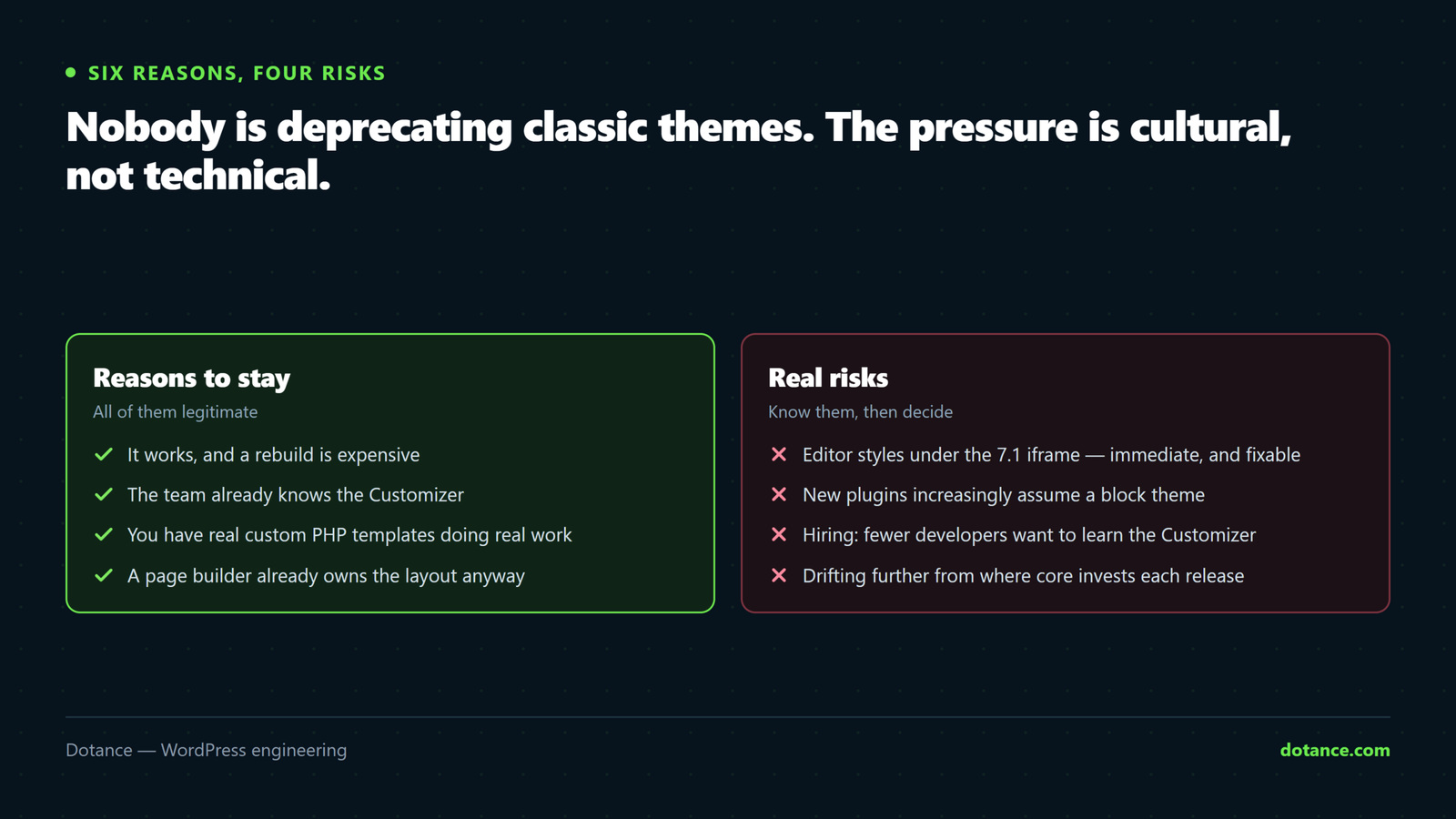
Staying on a WordPress classic theme is defensible. Staying without knowing the costs is not.
| Risk | How real | What to do |
|---|---|---|
| Editor styles under the 7.1 iframe | Immediate | Declare editor-styles properly |
| Widgets screen confusion | Mild, ongoing | Decide on classic widgets deliberately |
| Plugins assuming a block theme | Growing slowly | Check before buying |
| Finding developers | Real, long term | Document the theme properly |
Editor styles and the iframe
This is the one 7.1-specific WordPress classic theme issue and it is worth checking today. The block editor now runs inside an iframe, which means styles have to be handed to it explicitly rather than leaking in from the admin page.
// In functions.php — both lines, not just the second
add_theme_support( 'editor-styles' );
add_editor_style( 'editor-style.css' );
A WordPress classic theme that called only add_editor_style() may have been getting away with it before and will not now. The symptom is an editor whose content looks nothing like the front end. That is the same underlying change that broke a number of custom blocks in this release — see custom blocks broken after 7.1.
Widgets, plugins and people
The widgets screen has used the block editor since 5.8 on every WordPress classic theme, which surprises people who have not looked at it in a while. Core still honours a filter to turn that off, and the Classic Widgets plugin does it for you. Either is fine — the mistake is leaving your editors to discover the change themselves.
The plugin risk is slow and genuine. New plugins increasingly ship block patterns and template parts and assume the Site Editor exists. None of that stops a classic theme working, but you will occasionally buy something whose best features you cannot use. Check before purchase rather than after.
The hiring risk is the one that actually decides this over five years. Fewer developers want to work in a classic theme, and the ones who do charge accordingly. That is not a reason to rebuild today — it is a reason to write your theme down properly, so the next person can pick it up without archaeology, which is the same argument as any decent maintenance documentation.
How to decide
Six situations cover almost every WordPress classic theme decision we are asked about.
| Your situation | Recommendation |
|---|---|
| Site works, team is trained, no complaints | Stay. Add theme.json and stop thinking about it |
| Page builder does the layout | Stay. The theme is not your bottleneck |
| Theme abandoned by its author years ago | Plan a move — this is a security question, not a style one |
| You are redesigning anyway | Build the new one as a block theme |
| Editors want to change layouts themselves | Block theme, and budget the training |
| Heavy bespoke PHP templates | Stay, unless the redesign is already funded |
The abandoned-theme row is the only one that is urgent, and it has nothing to do with blocks. A WordPress classic theme whose author stopped shipping updates in 2021 is unpatched code in the most privileged position on your site, and that argument stands regardless of architecture — it belongs with the rest of hardening WordPress.
“We are redesigning anyway” is the honest time to switch. Building a block theme as part of work you were funding regardless costs almost nothing extra. Rebuilding a working site purely to change its architecture costs the full amount and delivers the same pages.
What a migration would actually involve
If you are weighing up leaving your WordPress classic theme, it helps to see the shape of the work rather than a quote. Converting a WordPress classic theme to a block theme is not a port; it is a rebuild with the design preserved.
| Piece | Classic | Block theme | Effort |
|---|---|---|---|
| Header and footer | header.php, footer.php | Template parts in HTML | Moderate |
| Single post layout | single.php | templates/single.html | Moderate |
| Archives with custom queries | PHP with WP_Query | Query Loop, or a custom block | High if the logic is real |
| Customizer settings | Theme mods | Global Styles — data does not carry over | Manual reconfiguration |
| Widget areas | Sidebars | Template parts | Content must be recreated |
| Menus | Menu locations | Navigation block | Rebuild each menu |
| Styling | Stylesheet | theme.json plus a stylesheet | Mostly translation |
The fourth and fifth rows are the ones that surprise people, because they are not code problems. Customizer values and widget content do not migrate automatically — somebody sits down and re-enters them, and on a site with eight widget areas that is an afternoon nobody costed.
The archives row is where estimates go wrong. A WordPress classic theme with three archive templates containing genuine query logic — filtered post types, meta-based ordering, conditional sections — needs that logic rewritten, usually as a custom block. That is development work, not theme work, and it is the part a fixed-price rebuild quote tends to underestimate.
None of this makes migration a bad idea. It makes it a project with a real number attached, which is exactly what you want before deciding.
Making a classic theme modern without leaving it
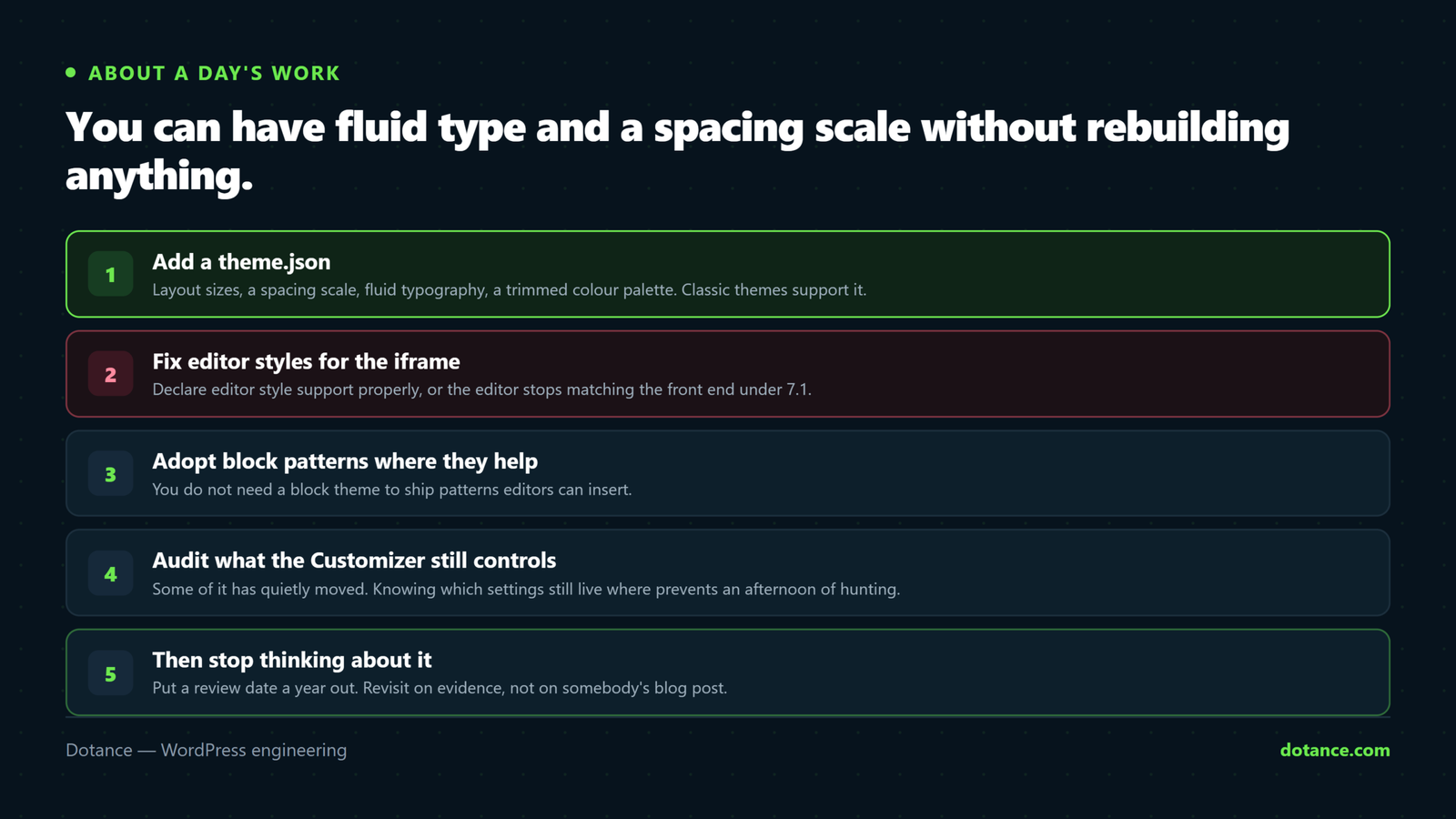
If you are keeping the WordPress classic theme, four things are worth doing, and together they take about a day.
- Add
theme.jsonwith layout sizes, a spacing scale, fluid typography and your real colour palette. - Declare editor styles properly so the 7.1 iframe receives them.
- Register your colours and font sizes so editors pick from your palette instead of a colour wheel.
- Delete the media queries that fluid typography and layout sizes have made redundant.
Step four is the satisfying one. On a typical WordPress classic theme stylesheet, moving typography and container widths into theme.json removes somewhere between a third and half of the media queries, and what remains are genuine pattern changes rather than size adjustments.
Step three is the one clients notice. An editor choosing from six brand colours instead of an unrestricted picker stops producing pages in four shades of almost-blue, and that is a design-consistency win no rebuild is needed for.
Core’s rules for what a classic theme can and cannot take from theme.json are set out in the global settings and styles handbook, which is worth reading before you write the file rather than after.
Where this goes wrong
| The mistake | What happens | Do this instead |
|---|---|---|
| Rebuilding because “classic is dead” | Money spent, same pages | Ask what breaks if you do nothing |
| Switching theme on live to “try” a block theme | Widgets and menus vanish instantly | Staging, always |
Only calling add_editor_style() | Editor looks nothing like the site | Add editor-styles support too |
| Ignoring an abandoned theme | Unpatched privileged code | That one is genuinely urgent |
| Assuming a block theme is faster | A rebuild that changes nothing measurable | Ask for before-and-after numbers |
Not adding theme.json | Writing media queries you no longer need | One file, one hour |
| Leaving editors to find the new widgets screen | Support requests and mistrust | Decide, then tell them |
The second row deserves emphasis because it is irreversible-feeling in the moment. Switching from a WordPress classic theme to a block theme moves your widget areas into inactive storage and changes how menus are handled. Nothing is destroyed, but a client watching their sidebar disappear does not find that reassuring — so do it on a copy first, as with everything in updating WordPress safely.
The short verdict
Stay if the site works, the team is trained and nothing on the risk list is urgent for you. Spend a day adding theme.json and fixing editor styles, then stop thinking about it — that gets you most of what the modern tooling actually delivers to visitors.
Move when you are redesigning anyway, when editors genuinely need to change layouts themselves, or when the theme has been abandoned by whoever wrote it. Those are the three reasons that survive scrutiny. Everything else is somebody else’s roadmap being presented as your problem.
And if you are commissioning something new, build it as a block theme unless a page builder is a deliberate choice. Starting there costs nothing extra, and it means this article will not apply to you in three years.
Frequently asked questions
Will WordPress remove classic theme support?
There is no deprecation and no announced plan. Core carries an enormous commitment to backwards compatibility, and millions of sites run classic themes. Plan for gradual ecosystem drift rather than a cut-off date.
Can I use blocks in a WordPress classic theme?
Yes. The block editor works for posts and pages regardless of theme type. What you do not get is block-based templates and the Site Editor, which are about the theme’s structure rather than your content.
Does a classic theme hurt SEO?
No. Search engines see HTML, not theme architecture. Your markup, speed and content decide this — nothing about the two theme types changes any of them inherently.
Is a hybrid theme a good compromise?
It can be. A classic theme with theme.json and block-editor support is genuinely a hybrid, and it gets most of the practical benefits for an hour’s work rather than a project’s.
What about the full site editing features I keep reading about?
They require a block theme, and they are genuinely good if editors will use them. Ask honestly whether yours will. On a lot of business sites the answer is that two people edit text and nobody touches layout, in which case you are buying a capability that will never be used.
Should new sites be block themes?
Generally yes, unless a page builder is the deliberate choice. Starting fresh costs nothing extra and aligns you with where the tooling is going. That is a different question from whether to migrate a working site.
How do I know whether my theme is classic or block?
If Appearance shows an Editor item, it is a block theme. If it shows Customize, Widgets and Menus, you are on a WordPress classic theme. Core decides this by checking for block templates in the theme folder.