“We redesigned and our traffic fell off a cliff” is one of the most common things we hear from new clients. It is also almost entirely preventable, and the prevention has very little to do with design.
Why redesigns lose traffic
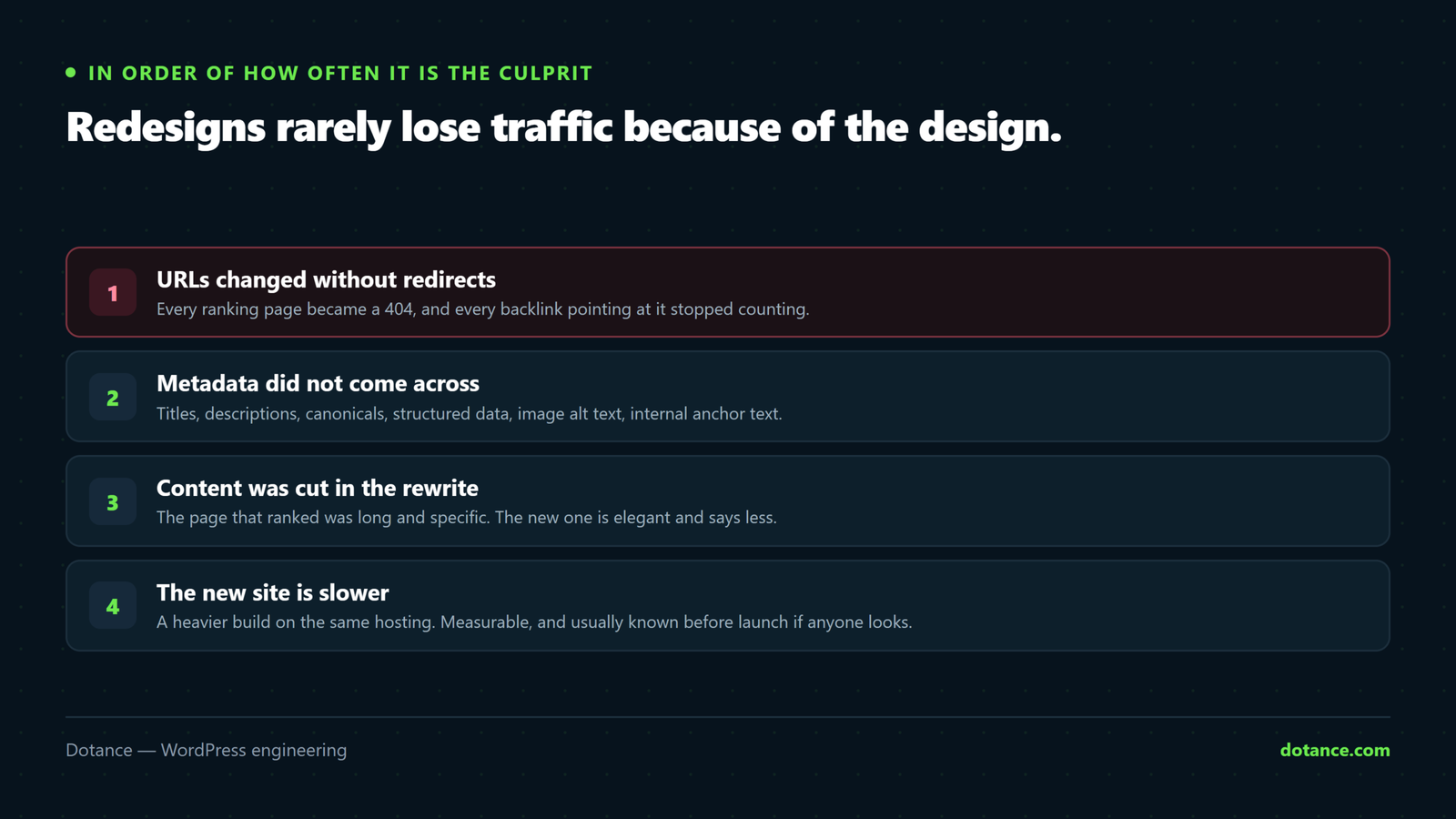
Four causes, in order of how often they turn out to be the culprit:
- URLs changed without redirects. Every ranking page became a 404, and every backlink pointing at it stopped counting.
- Content quietly disappeared. Pages that earned traffic were dropped because nobody checked what they were worth before deciding the new sitemap.
- Metadata was lost. Titles, descriptions and structured data did not survive, so pages that used to describe themselves clearly no longer do.
- The new site is slower. A heavier build undoes performance that was quietly holding rankings up.
Notice that none of these are aesthetic. The design is almost never the problem.
Start with a crawl, not a moodboard
Before any design work begins you need an inventory of what exists and what it is worth. Build one list, from four sources, because no single source is complete:
| Source | Gives you |
|---|---|
| Your sitemap | What you think exists |
| Search Console page report | What Google actually indexed and sends traffic to |
| Analytics, 12 months | Seasonal pages that look dead today |
| Server access logs | URLs nothing links to that still get hit |
The last two catch what the first two miss, and those are usually the expensive omissions:
# Every URL WordPress currently publishes
wp post list --post_type=any --post_status=publish --field=url > sitemap-urls.txt

# Every URL real visitors requested, most-hit first
awk '{print $7}' ~/logs/access.log | sed 's/?.*//' | sort | uniq -c | sort -rn > log-urls.txt

# In the logs but not in WordPress: attachments, old exports, forgotten landing pages
comm -13 <(sed 's|https\?://[^/]*||' sitemap-urls.txt | sort -u) \
         <(awk '{print $2}' log-urls.txt | sort -u) | head -50
That combined list is the thing the redesign has to protect. Without it, decisions about the new structure are guesses, and some of those guesses are expensive.
Decide what happens to every URL
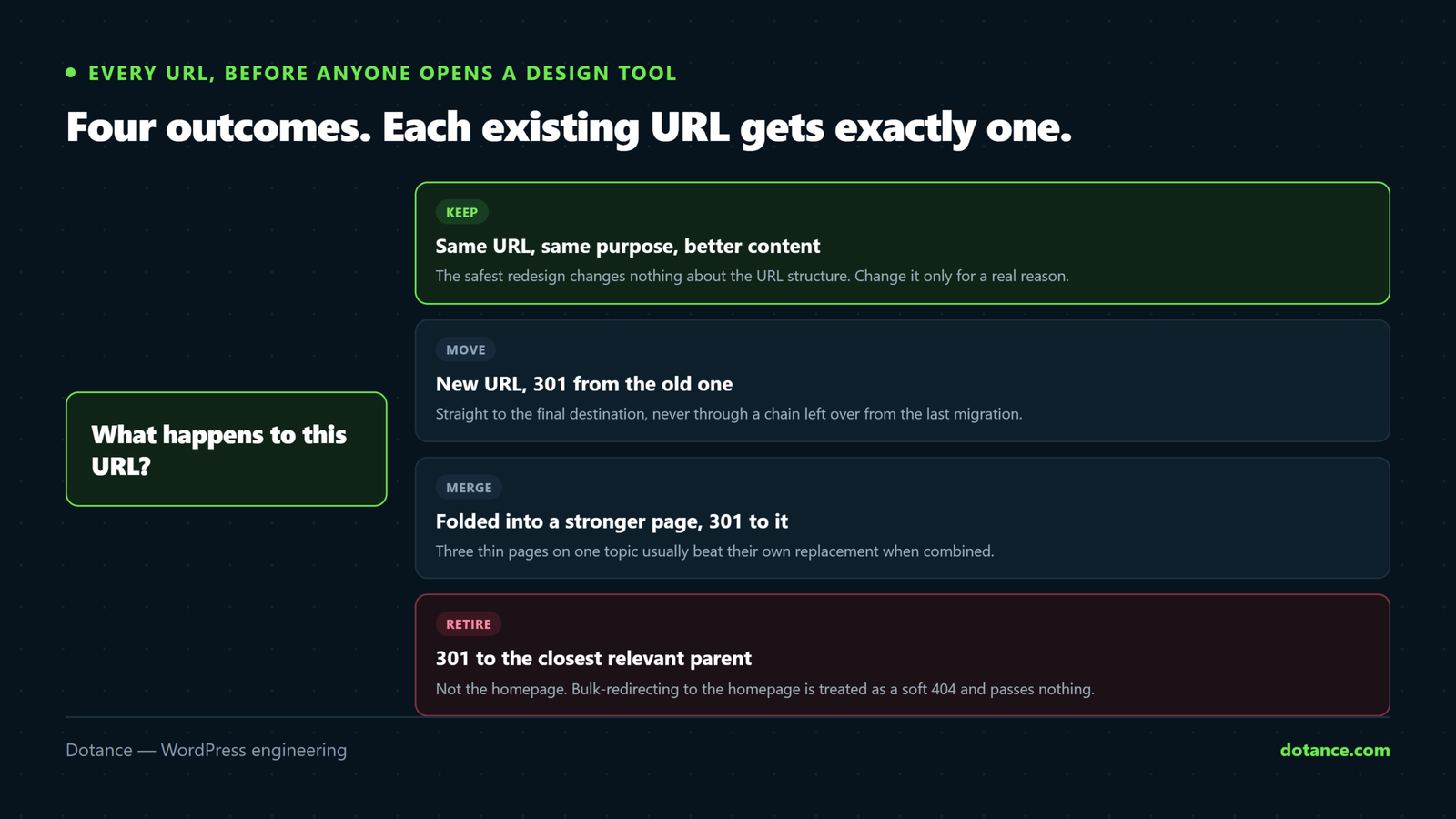
Every existing URL gets one of four outcomes, decided in a spreadsheet before anyone opens a design tool:
- Keep. Same URL, same purpose, possibly improved content.
- Move. New URL, 301 redirect from the old one.
- Merge. Several thin pages combined into one stronger page, with 301s from all of them.
- Retire. Genuinely worthless and unlinked — 410, or 301 to the nearest relevant parent.
Give the sheet these columns and it becomes the project’s single source of truth: old URL, sessions (12m), backlinks, conversions, decision, new URL, done, verified. The last two matter more than they look — a redirect map without a verified column is a to-do list nobody finished.
Merging is underused and frequently the biggest win available. Nine mediocre pages competing with each other for the same term will usually be beaten by one good page that absorbs all of them — and the redesign is the natural moment to do it. See fixing duplicate content for how to identify them.
Redirects, done properly
A few rules prevent most of the damage:
- Redirect to the most relevant page, not the homepage. Bulk-redirecting everything to the homepage is treated as a soft 404 and passes almost nothing.
- Use 301, not 302. A temporary redirect tells search engines to keep the old URL indexed.
- Avoid chains. A → B → C loses value and slows the crawl. Point A directly at C.
- Keep them forever. Redirects are not a launch-week measure; the backlinks they protect do not expire.
The full method is in redirects without losing rankings.
Test the whole map before launch, not a sample
This is the step that separates a clean migration from a painful one, and it is mechanical. Point your hosts file or a staging domain at the new site and run every old URL through it:
# old-urls.txt: one path per line, from the inventory above
while read -r u; do
  out=$(curl -s -o /dev/null -w '%{http_code} %{redirect_url}' "https://staging.example.com$u")
  code=${out%% *}; dest=${out#* }

  case "$code" in
    301) final=$(curl -s -o /dev/null -w '%{http_code}' "$dest")
         [ "$final" = "200" ] || echo "CHAIN/BROKEN  $u -> $dest ($final)" ;;
    200) ;;                                  # kept, fine
    410) ;;                                  # deliberately retired, fine
    *)   echo "UNHANDLED $code  $u" ;;
  esac
done < old-urls.txt
Anything printed is a decision you have not made yet. Run it until the output is empty, then run it again on the morning after launch against the live site.
Carry the metadata across
Titles, meta descriptions, canonical tags, structured data, image alt text, Open Graph tags and internal anchor text all need to survive the move. On any site above a handful of pages this is scripted and then spot-checked.
Export what you have before anything changes:
wp eval '
$ids = get_posts( array( "post_type" => array( "post","page" ), "numberposts" => -1, "fields" => "ids" ) );
$f = fopen( "meta-before.csv", "w" );
fputcsv( $f, array( "url", "title", "description" ) );
foreach ( $ids as $id ) {
    fputcsv( $f, array(
        get_permalink( $id ),
        get_post_meta( $id, "rank_math_title", true ),
        get_post_meta( $id, "rank_math_description", true ),
    ) );
}
fclose( $f );
echo count( $ids ) . " rows written\n";'
Structured data is the piece people forget most often. If your old pages had FAQ or Product schema earning rich results and the new build does not, you will see it in click-through rate before you see it in rankings — and you will misdiagnose it as a ranking drop.
Fix internal links, do not just redirect them
Redirects are a safety net for external links you do not control. Your own internal links should point directly at the new URLs. Leaving them pointing at redirects wastes crawl budget and slows every page that carries them.
After the content migration, search the database for links to old paths and update them at the source rather than relying on the redirect layer to paper over it.
Launch, then actually watch
Deploy in a low-traffic window with a rollback ready — see staging for how that should be set up. Then, for at least six weeks:
| Watch | Warning sign |
|---|---|
| Search Console 404s and crawl errors | Any spike at all in week one |
| Indexed page count | A fall larger than the pages you retired |
| Your top twenty pages, individually | Any one of them dropping while the total looks flat |
| Core Web Vitals field data | Worse than the old site — the redesign added weight |
| Server log 404s | Real traffic hitting URLs your map missed |
| Conversions, not just sessions | Traffic held but enquiries fell — a page-level problem |
Sitewide traffic can look stable while your five best pages quietly collapse and seasonality masks it. Track them individually, and note the launch date on every chart you look at for the next quarter.
What normal looks like
Even a well-executed migration usually shows a small dip for a few weeks while search engines recrawl and reassess. That is expected.
| Timing | Normal | Not normal |
|---|---|---|
| Week 1–2 | A modest dip, crawl activity rising | 404s in Search Console |
| Week 3–4 | Recovering toward the old baseline | Still falling |
| Week 6–8 | At or above where you started | A new, lower plateau |
A fall that keeps deepening after a month means something is genuinely broken. The sooner you look, the cheaper it is — most of these are still fixable in week two and much harder by month three.
Common questions
Should we keep the same URLs?
Where they are sensible, yes — the safest redesign changes nothing about the URL structure. Change it only for a real reason, and price the redirect work into that decision.
How long do we keep the redirects?
Indefinitely. They cost almost nothing and the backlinks they protect do not expire. Removing them a year later is a slow-motion version of the same mistake.
Our traffic dropped after launch. What first?
Check for 404s in Search Console and your server logs before anything else. In our experience the overwhelming majority of post-redesign drops are a missing or broken redirect, not the content or the design.
Can we redesign without a traffic dip at all?
If URLs and content are preserved and the site is not slower, often yes. The dips people accept as inevitable are usually evidence that one of those three was not true.