1. Check the panel before building anything
Most managed hosts — and many general ones — include one-click staging that handles the clone, the URLs and the database for you.
- Hostinger: hPanel → WordPress → Staging
- SiteGround: Site Tools → WordPress → Staging
- Cloudways: Application → Clone app / Create staging
- WP Engine, Kinsta: environments built into the dashboard
- cPanel: often under WordPress Toolkit → Clone
If it is there, use it. Everything below is for when it is not.
2. Cloning it yourself
A subdomain clone gives fuller isolation than a subdirectory. With WP-CLI:
# On live — export
wp db export ~/live.sql
tar -czf ~/live-content.tar.gz wp-content/

# On staging — fresh WordPress, then import
wp core download
wp config create --dbname=staging_db --dbuser=… --dbpass=…
wp db create
wp db import ~/live.sql
tar -xzf ~/live-content.tar.gz
Then rewrite the URLs. --precise matters — WordPress stores serialised arrays whose string lengths break if you replace naively:
wp search-replace 'https://yoursite.com' 'https://staging.yoursite.com' \
  --precise --skip-columns=guid --dry-run
Read the dry-run output, then repeat without --dry-run.
Never rewrite guid. It looks like a URL and behaves like an ID — feed readers use it to tell whether a post is new. Changing it on live re-publishes your whole archive to subscribers. --skip-columns=guid every time.
3. Lock it down before it is indexed
Two things, immediately — not “later”:
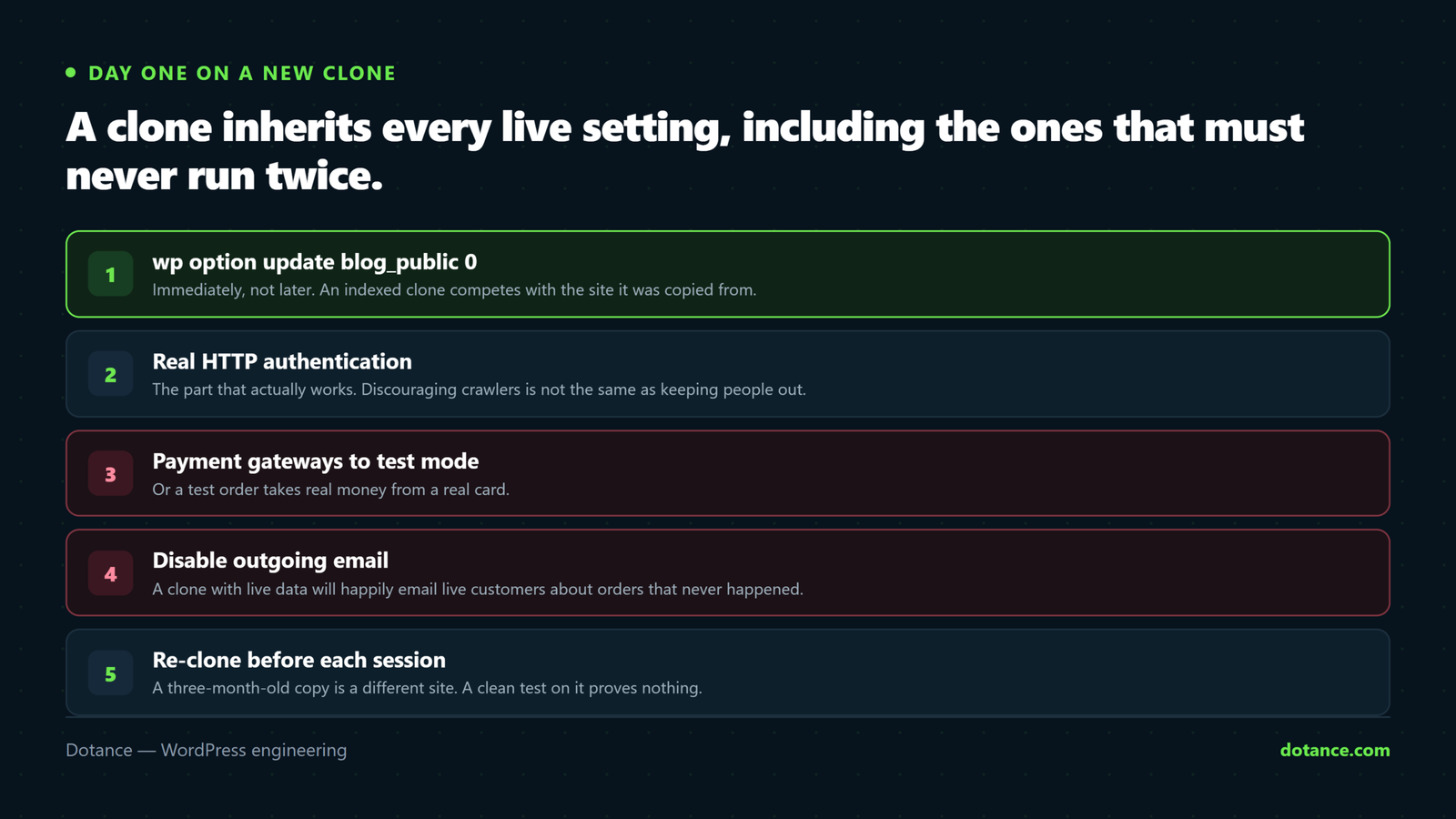
# On the STAGING install only
wp option update blog_public 0
And real HTTP authentication, which is the part that actually works:
htpasswd -c ~/.htpasswd-staging staginguserstaging .htaccess
AuthType Basic
AuthName "Staging"
AuthUserFile /home/user/.htpasswd-staging
Require valid-user
noindex alone is not enough, and robots.txt is worse. Blocking the URL in robots.txt stops Google reading the noindex tag — so an already-indexed clone stays indexed. Password protection is the only reliable answer: nothing can crawl what it cannot open. An indexed staging site competing with you for your own brand is the worst version of duplicate content.
Check yours right now:
curl -s -o /dev/null -w "%{http_code}\n" https://staging.yoursite.com/
# 401 is what you want. 200 means anyone can read it.
Then search Google for site:staging.yoursite.com. Anything listed needs removing, not just blocking.
4. Make staging behave like staging
A clone inherits live’s settings — including the ones that should never run twice:
| On staging | Why |
|---|---|
| Payment gateways to test mode | Or a test order takes real money |
| Disable outgoing email | A staging cron can email your entire customer list |
| Disable backup schedules | Two sites writing to one backup destination |
| Turn off analytics tracking | Your testing pollutes live reporting |
| Debug logging on | This is the place errors should be visible |
The email one is not hypothetical — a cloned store running its abandoned-cart cron will happily email real customers from the staging copy.
5. Pushing live — the dangerous half
This is where staging causes damage rather than preventing it.
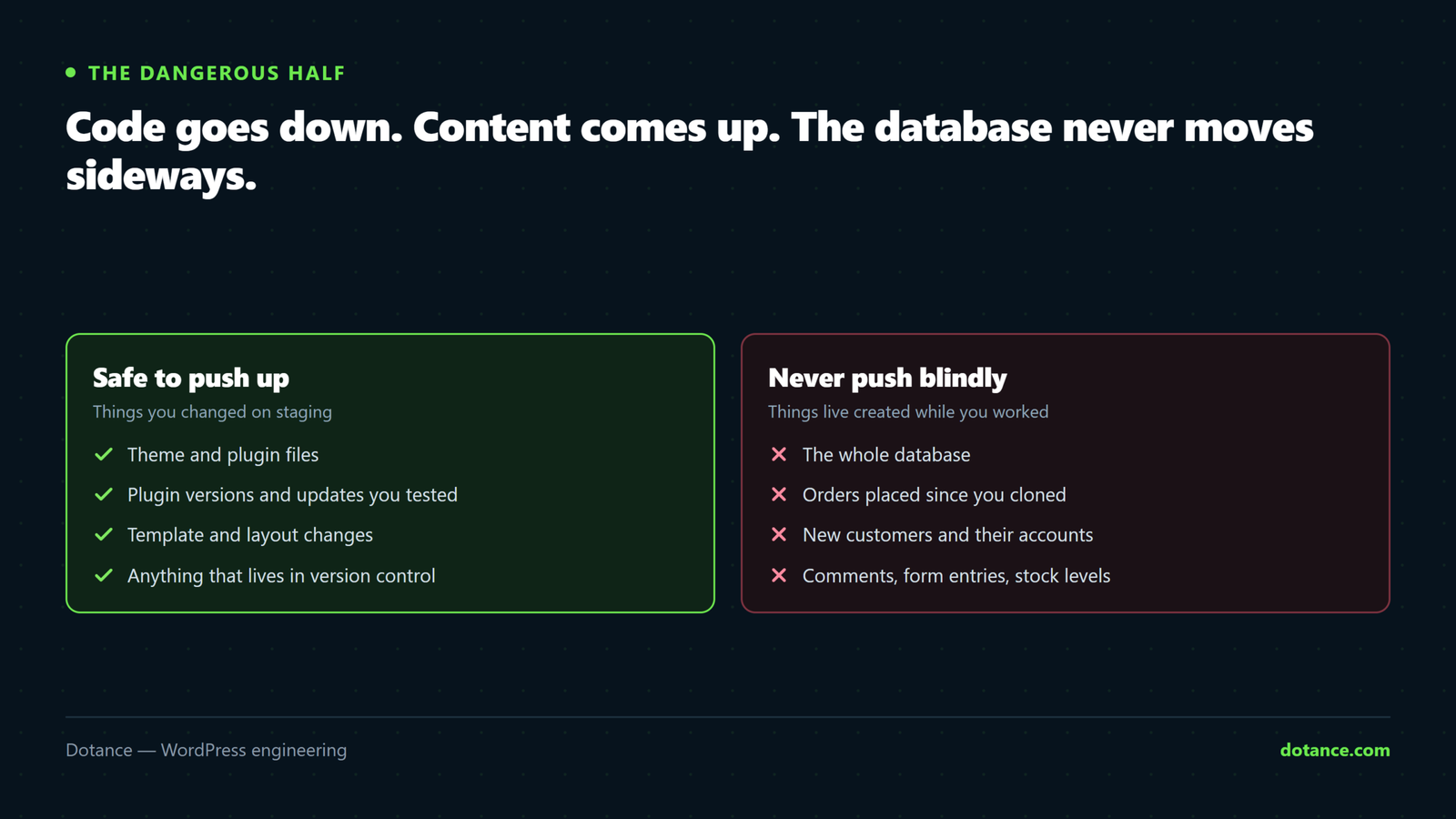
| Safe to push | Never push blindly |
|---|---|
| Theme and plugin files | The whole database |
| Plugin versions and updates | Orders, comments, form entries |
| New template files | Users registered since you cloned |
| Configuration you can re-apply by hand | Anything live accumulated while you worked |
The reason is simple: while you were testing, live kept working. Orders arrived, people commented, forms were submitted. Overwriting the live database with staging’s copy deletes every one of them.
- Content site: pushing the database is sometimes acceptable — with a fresh live backup first, and at a quiet hour.
- Store or membership site: push code only. Repeat configuration changes on live by hand. Every time.
6. Re-clone before each session
The most common staging mistake is not a broken push — it is testing against a clone from three months ago. That site no longer exists, so a clean test there proves nothing.
The rhythm that works: clone fresh, make the change, test the paths that pay, push the same day while the context is still in your head. A staging site that sits idle for months is not a safety net — it is a second site to maintain.
Cloning live to staging without a host feature: Sitecarry packages the live site and its installer restores it under the staging URL, rewriting the addresses on the way. The same package is also a backup, so the staging copy costs nothing extra to make.
Common questions
Subdirectory or subdomain?
Subdomain. A subdirectory shares the parent’s .htaccess and can inherit rules in confusing ways — and it is easier to leak into live.
Will staging affect my SEO?
Only if it gets indexed — which is exactly why the password comes first. Properly protected, it is invisible.
Can I use a local site instead?
For development, yes, and it is faster. For final testing, no — local PHP versions, server config and caching differ from production, which is where the surprises live.
How do I keep staging in sync?
You do not. Re-clone from live when you need it and delete it afterwards. Treating staging as disposable is the point.