Maintenance plans are the least glamorous thing an agency sells and the easiest to sell badly, because the value is invisible when it works. Here is what a plan should actually contain, and how to tell whether the one you are being offered is care or just a recurring invoice.
1. Updates applied on staging first
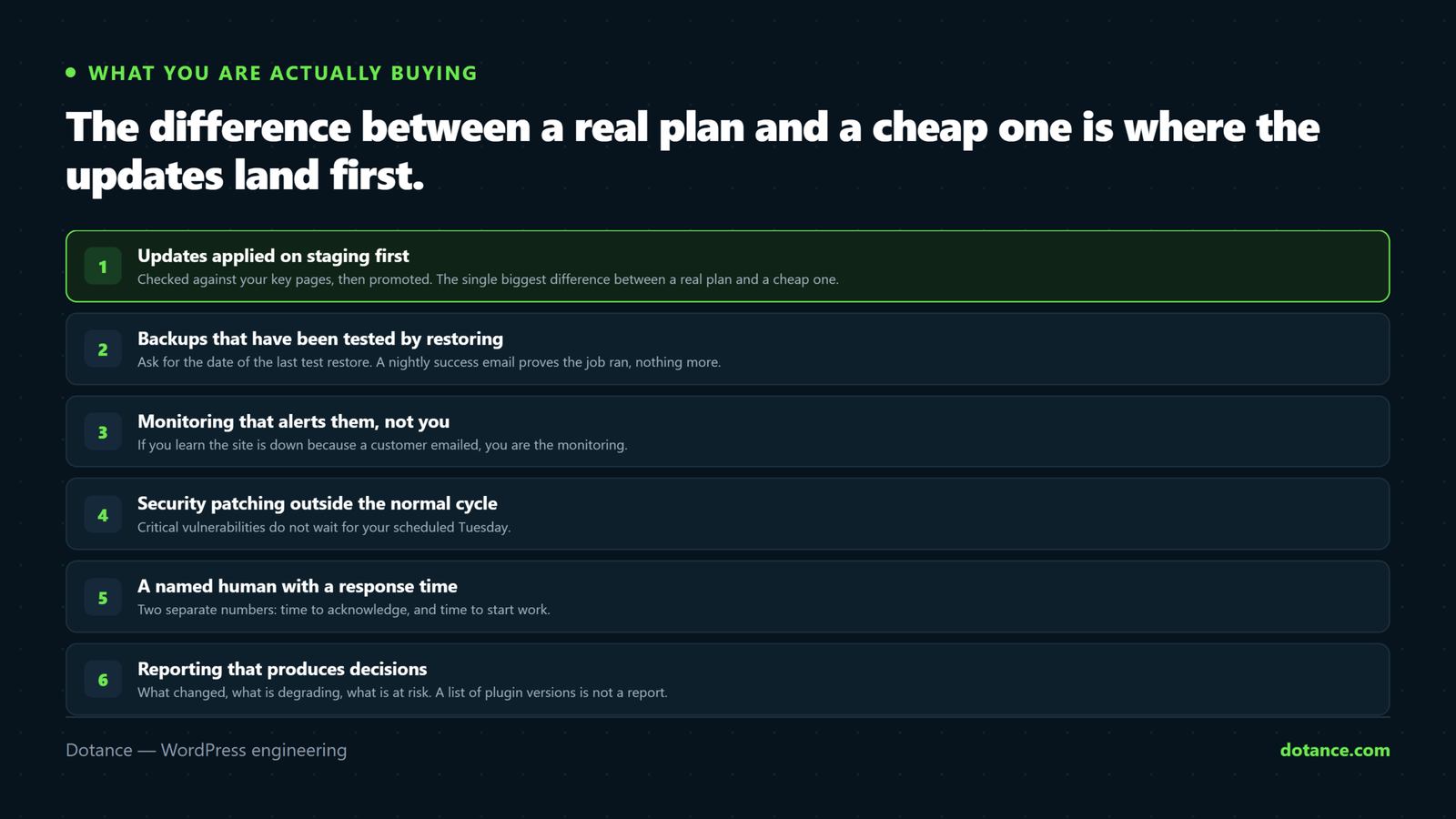
This is the single biggest difference between a real plan and a cheap one. Core, theme and plugin updates should go to a staging copy, get checked against your key pages and critical flows, and only then reach production.
For a store that means somebody actually completes a test checkout. For a lead-gen site it means the forms get submitted, and the submission arrives. “We update your plugins” without staging is clicking Update All on a Friday and hoping — which is how most of the incidents we get called about began. The method is in updating WordPress safely.
2. Backups that have been tested by restoring them
Almost every plan promises backups. Very few test them. A plugin reporting success every night proves the job ran — not that the archive is complete, or that anyone knows how to bring it back.
Ask this question: “When did you last restore one of my backups, and how long did it take?” The answer tells you immediately whether the backup is a safety net or a line item. Hesitation is the answer.
What you want: offsite storage on a different provider from the hosting, versioned snapshots going back far enough to survive a problem you did not notice for a week, and a documented recovery process with a known time. The detail is in backups done right.
3. Monitoring that alerts them, not you
Uptime checks every minute from multiple locations, with the alert going to the people who can fix it. If you find out your site is down because a customer emailed you, you are not being monitored.
Good plans also watch things that fail quietly:
- Performance over time, so a gradual slide is visible while it is still small.
- SSL certificate expiry, well before the day.
- File integrity, so unexpected changes surface in hours rather than months.
- Scheduled tasks — a stalled cron queue stops renewals, emails and reports without any error at all.
- Form submissions arriving, which is the failure clients discover last and mind most.
4. Security patching outside the normal cycle
Regular updates run on a schedule. Critical vulnerabilities do not wait for it. A plan should commit to applying serious security patches out of cycle, which means somebody is actually watching vulnerability databases for the specific plugins you run.
Ask what the response time is for a critical advisory, and what happens when the fix is not available yet — the honest answer involves temporarily disabling the plugin, not waiting quietly.
5. A named human with an agreed response time
Not a ticket queue that returns a reference number. Someone who knows your site and can answer “is this normal?” quickly.
Get the two numbers separated, because they are routinely conflated:
| Term | Means |
|---|---|
| Response time | How long before a human replies |
| Resolution target | How long before it is fixed — realistically, by severity |
| Cover hours | Business hours, or does a Sunday outage get answered? |
| Included time | Hours per month for small changes, and what happens to unused ones |
Most of what clients need is a short honest answer. Having to file a formal request for that is friction with no purpose.
6. Reporting that produces decisions
An automated list of plugins updated is not a report. A useful one says what changed, what is degrading, what is at risk, and what should be considered next quarter.
If the report never leads to a decision, it is not doing anything. One page that ends with a recommendation beats twelve pages of graphs.
What should not be in a plan
Just as important, and where disputes come from. New feature work, redesigns and substantial development should be quoted separately.
When they get quietly absorbed, one of two things happens: the plan becomes unprofitable and quality drops, or “maintenance” expands until nobody knows what is covered. Both end the relationship, just at different speeds.
Get the boundary in writing. A good agency will have already written it down, and will be relieved you asked.
What you should own, whoever maintains it
This one costs nothing to get right at the start and is expensive to fix later:
| Asset | Should be |
|---|---|
| Domain name | Registered to you, in your own account |
| Hosting | Your account, agency given access — not the reverse |
| Plugin and theme licences | In your name where possible |
| Code repository | Yours, with the agency as a collaborator |
| Analytics and Search Console | Owned by you, agency added as a user |
| DNS | Access you can use without asking anyone |
None of this implies distrust. It means leaving is a decision rather than a migration project, and that keeps everyone honest.
How to check the work is being done
You are paying for things you cannot see. You can check some of them in a minute, without any special access beyond your own admin:
# Anything outstanding right now?
wp plugin list --update=available --fields=name,version,update_version
wp core check-update

# Is the site running a supported PHP version?
wp eval 'echo PHP_VERSION . "\n";'

# Are scheduled tasks actually running, or piling up?
wp cron event list --fields=hook,next_run_relative | head
A short list of pending updates is perfectly normal — a responsible agency holds some deliberately. A long one that never changes is not. And if you would rather have the whole picture, the maintenance checklist is what a good month looks like.
Red flags
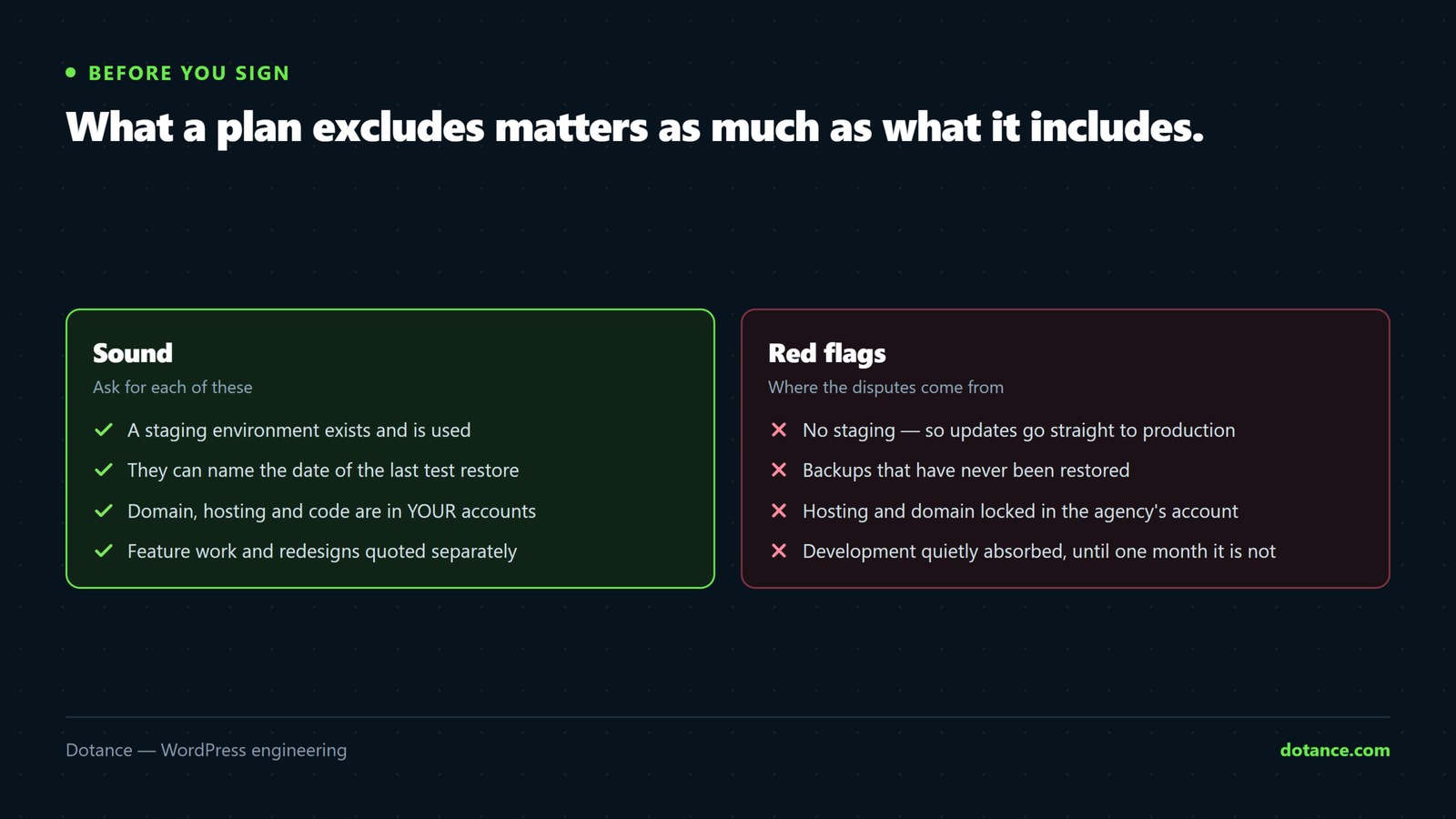
- No staging environment. Then updates are being applied straight to production.
- Backups that have never been restored. Ask for the date.
- Hosting locked in their account. Leaving should not require a migration.
- No named contact. “Our team” means nobody in particular knows your site.
- Unlimited everything. Either heavily caveated in the small print, or unsustainable. Neither is good for you.
- No mention of what is excluded. The argument is coming, just later.
Is it worth it?
Compare the annual cost against one incident: a day of downtime, an emergency malware cleanup, or a broken checkout on your busiest weekend.
| Incident | Typical cost |
|---|---|
| A day of downtime | A day of revenue, plus the enquiries that never arrive |
| Emergency malware cleanup | Often more than a year of the plan, at short notice |
| Checkout broken for a weekend | The weekend’s sales, and the customers who bought elsewhere |
| Restoring from an untested backup | Sometimes not possible at all — see after a breach |
For most businesses whose site earns money, the plan costs less than the single incident it prevents. For a small brochure site updated twice a year, it may genuinely not be worth it — and an agency that tells you so is one worth keeping.
Common questions
Can I just do this myself?
Yes, if you will actually do it monthly. The failure mode is not incompetence, it is that it gets postponed until something breaks. Be honest about which you are.
Is my host’s “managed WordPress” the same thing?
No. Hosts handle the server, and often core updates and their own backups. Plugin compatibility, your specific integrations, and whether your forms still work are not their responsibility — that gap is the whole point of a plan.
What should it cost?
It scales with the site: a brochure site, a busy WooCommerce store and a membership platform are genuinely different amounts of work. Judge on what is included and who does it, not on the monthly figure alone.
Can I pause it for a few months?
You can, and it is the wrong place to save. Vulnerabilities do not pause, and the gap is exactly when the unattended site gets found.