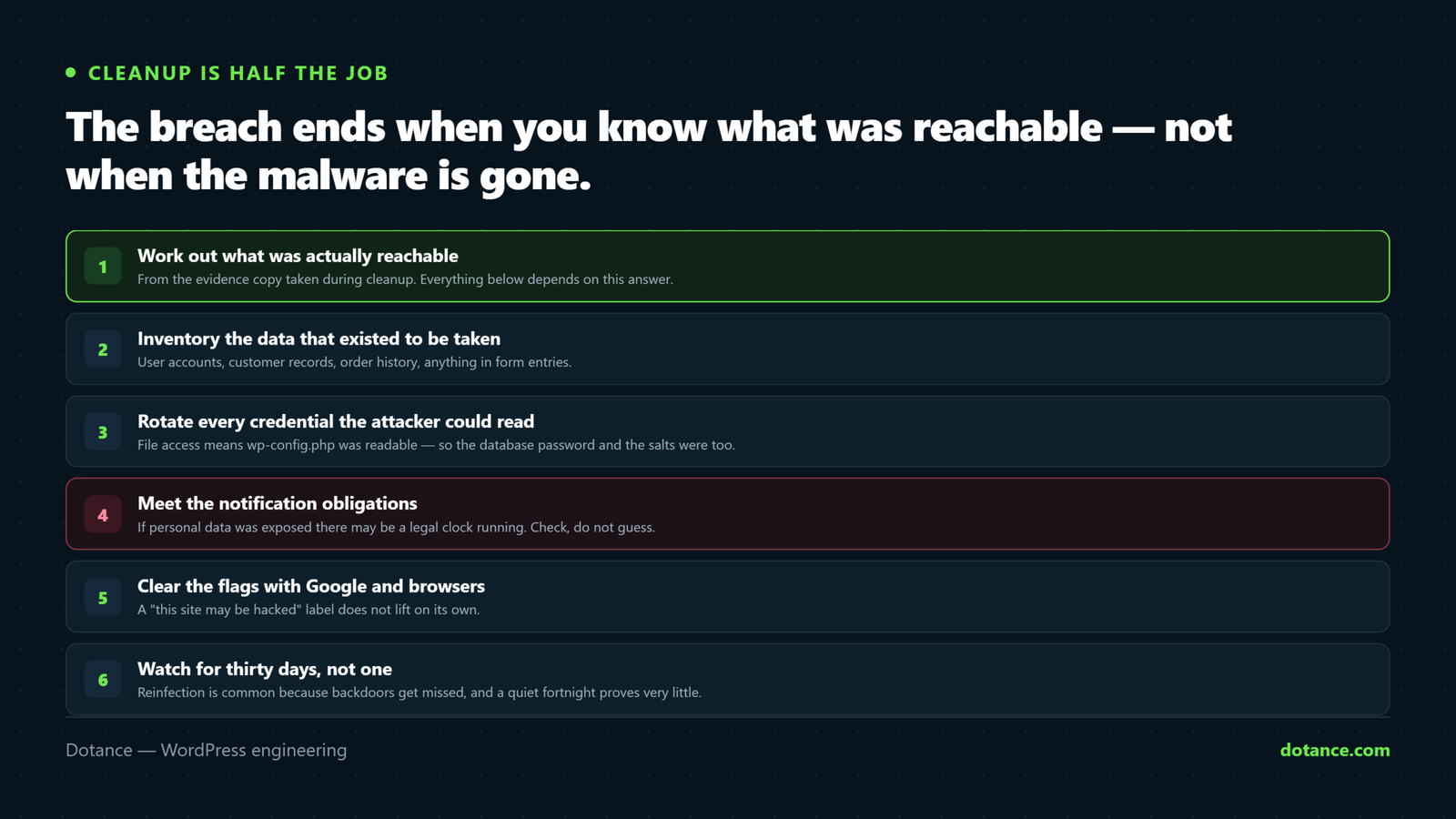
Most guides stop at “malware removed”. But a breach is not over when the files are clean — it is over when you know what was exposed, the people affected know, the browsers trust you again, and the same door cannot be reopened. That is the second half of the job, and it is the half that gets skipped.
If you are still in the cleanup phase, start with cleaning a hacked WordPress site and come back here.
1. Work out what was actually reachable
Everything downstream depends on this. A defaced homepage and six months of silent database access are very different incidents.
Use the evidence copy you took during cleanup — not the live site — and establish two things: when it started, and what that access could touch.
# When did files start changing? Earliest modified is your rough start date.
find wp-content -type f -name '*.php' -newermt '90 days ago' \
  -printf '%TY-%Tm-%Td %p\n' | sort | head -40

# POST requests to uploads — the classic backdoor signature
grep -E 'POST .*/wp-content/uploads/.*\.php' ~/logs/access.log | tail -50

# Which IPs hit wp-login or admin-ajax hardest around that date
awk '{print $1}' ~/logs/access.log | sort | uniq -c | sort -rn | head -20
Then check what was left behind inside WordPress itself. These four are where persistence hides after the files are clean:
wp user list --role=administrator --fields=ID,user_login,user_email,user_registered
wp cron event list --fields=hook,next_run_relative
wp option get siteurl; wp option get home
wp user meta list 1 --keys=session_tokens
An administrator you do not recognise, created around the breach date, changes the whole picture. It means account-level access, not just file access — treat every credential and every piece of stored data as reachable until you can prove otherwise.
2. Inventory what data existed to be taken
Write this down properly. It drives both the legal question and what you tell people.
| Data | Where it lives | If exposed |
|---|---|---|
| User accounts | wp_users, wp_usermeta | Force a password reset for everyone |
| Customer orders | WooCommerce tables | Names, addresses, phone, purchase history — usually reportable |
| Form submissions | Form plugin tables | Often the most sensitive thing on the site, and the most forgotten |
| Payment details | Normally the gateway, not you | Confirm this. If card data was ever stored locally, escalate immediately. |
| Uploaded files | wp-content/uploads | Invoices, CVs, ID documents people sent you |
| API credentials | wp_options, wp-config.php | Rotate all of them — see below |
3. Rotate every credential the attacker could read
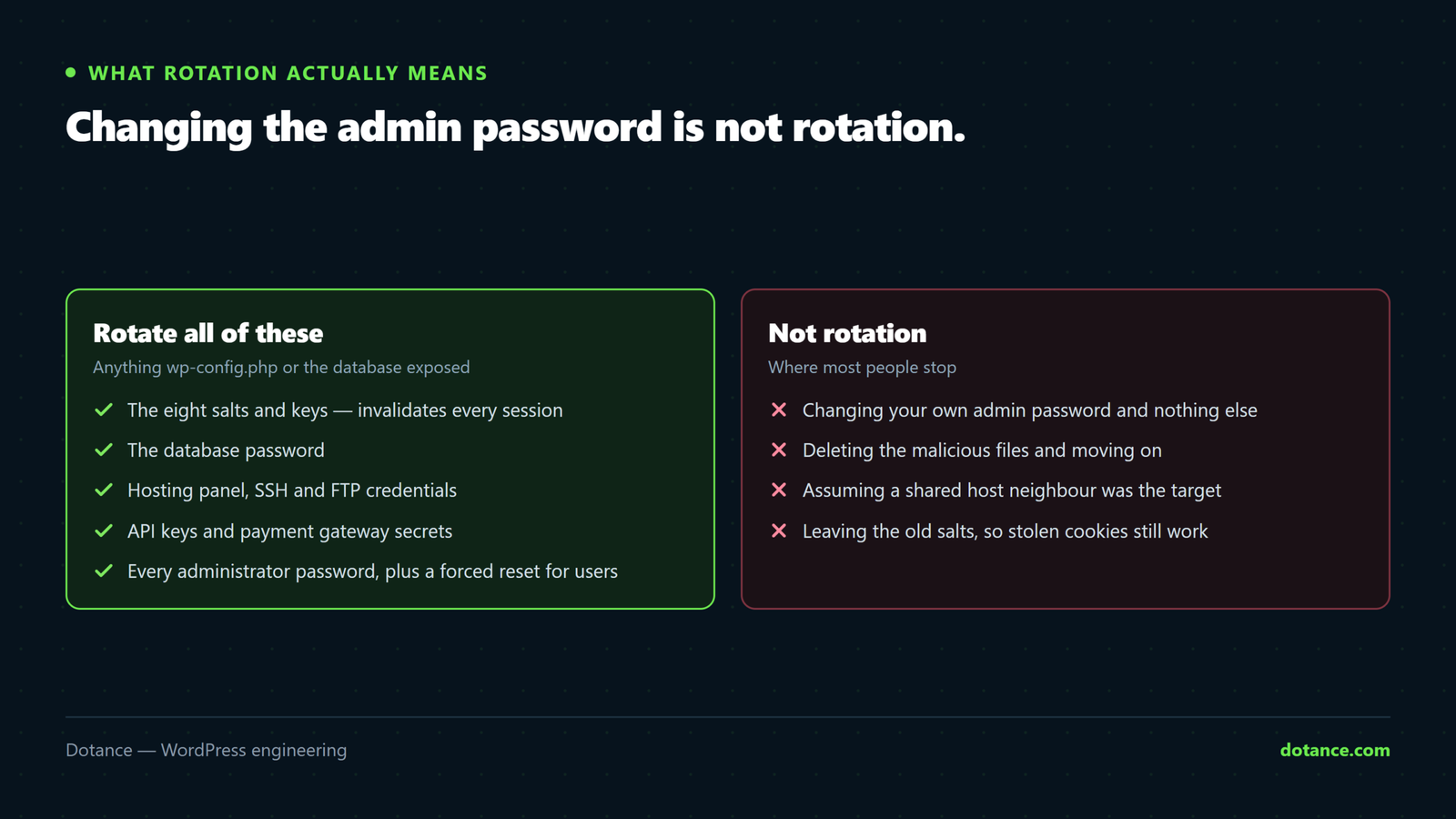
File access means wp-config.php was readable, which means the database password and the salts were readable. Changing the admin password alone is not rotation.
# New salts — invalidates every logged-in session, including theirs
wp config shuffle-salts

# Database user password: change it at the host, then
wp config set DB_PASSWORD 'new-strong-password'

# Application passwords, often left behind as a quiet back door
wp user application-password list 1
Then work through everything stored outside WordPress: SFTP and SSH keys, hosting control panel, payment gateway API keys, SMTP or email API credentials, and any third-party integration keys sitting in plugin settings. Anything that was in the database or in a config file is burned.
4. Meet your notification obligations
If personal data was exposed and GDPR or a similar law applies to your users, there may be a legal clock running for notifying a supervisory authority and, in serious cases, the affected people.
This is a legal question, not a technical one. Get proper advice rather than deciding by gut — the deadlines are short and the assessment turns on details a developer is not qualified to judge.
Whatever the law requires, some things are simply the decent minimum:
- Force a password reset for all users after any exposure of the user table.
- Tell people plainly what happened, what data was involved, and what you have done. Vagueness reads as concealment.
- Do not promise “no data was accessed” unless you can actually demonstrate it. Most sites cannot.
- Keep your evidence copy and your notes — you may need to show your reasoning later.
5. Repair your standing with Google and browsers
If the site was flagged — “This site may be hacked” in results, or a red interstitial — that flag does not lift on its own.
- Confirm the site is genuinely clean, including every subdomain and any parked install on the same account.
- In Search Console, open Security Issues and read what Google actually detected.
- Fix precisely that, then request a review with a short factual note on what was wrong and what you changed.
- Check the Removals and Coverage reports for spam URLs the attacker had indexed, and let them 404 rather than redirecting them.
Requesting a review while remnants remain restarts the clock and each failed request costs days of suppressed traffic. Scan thoroughly first, from a clean checkout of core rather than from the site’s own admin.
6. Watch for thirty days, not one
Reinfection is common because backdoors get missed, and a quiet fortnight proves very little. For the first month:
| Check | How often |
|---|---|
Core file integrity (wp core verify-checksums) | Daily |
| New administrator accounts | Daily |
| Unexpected scheduled events | Weekly |
| Search Console security report | Weekly |
| Outbound mail volume | Weekly — spam sending is a common second act |
| A search for your brand plus spam terms | Weekly |
7. The post-mortem that actually prevents round two
Half an hour, written down, no blame. Four questions:
- How did they get in? An unpatched plugin, a reused password, a compromised laptop, stolen FTP credentials.
- Why did it go unnoticed? Usually because nothing was watching.
- What one control would have prevented it? Be specific — “better security” is not an action.
- Who owns that from now on, and when do they do it?
Then schedule the boring controls that make the next attempt a non-event: updates applied promptly, tested backups, monitoring, least-privilege accounts. The checklist is in hardening WordPress, and the honest reason most sites do not do it is that nobody owns the schedule — which is what ongoing maintenance is for.
Common questions
Should I just restore a backup from before the breach?
Often the cleanest route, with two conditions: the backup must predate the intrusion — which is why dating it in step one matters — and you must still patch the entry point, or you are restoring the vulnerability along with the site.
Do I have to tell customers?
Legally, it depends on the data and your jurisdiction, so take advice. Practically, if there is any chance their data was involved, telling them plainly costs far less than them finding out another way.
How long does Google’s review take?
Typically a few days once the site is clean. Rankings may take longer to recover than the warning takes to clear, and there is no way to accelerate either beyond being genuinely clean.
Can I prove nothing was taken?
Rarely. Most shared hosting keeps limited logs, and database reads leave no trace at all. Say what you know and what you cannot determine — that holds up far better than a confident claim you cannot support.