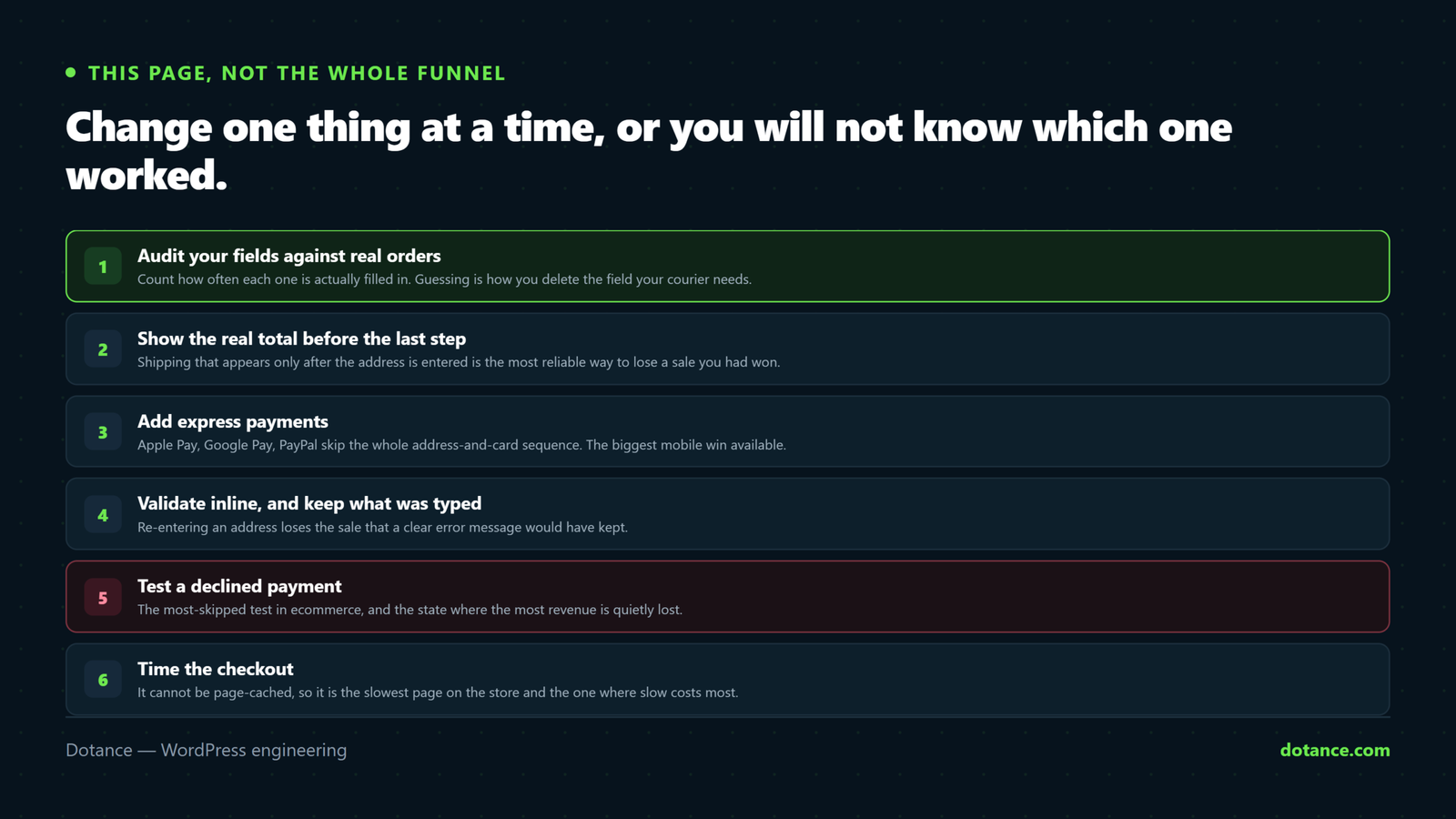
This page, not the whole funnel
If you do not yet know where people leave, start with cart abandonment — that covers measuring the funnel and the reasons people quit before checkout.
This article is about the checkout page itself: the form, the payment step, and the failure states.
Audit your fields against real orders
Every field is a small tax on completion. Most stores could delete two or three and never notice — but guessing which is how you delete the one your courier needs.
So count. This checks the last few hundred orders and reports how often each field was actually filled in:
wp eval '
$orders = wc_get_orders( array( "limit" => 300, "return" => "ids" ) );
$fields = array( "billing_company", "billing_address_2", "billing_phone", "customer_note" );
$count  = array_fill_keys( $fields, 0 );

foreach ( $orders as $id ) {
    $o = wc_get_order( $id );
    foreach ( $fields as $f ) {
        $v = ( "customer_note" === $f ) ? $o->get_customer_note() : $o->{"get_$f"}();
        if ( "" !== trim( (string) $v ) ) { $count[ $f ]++; }
    }
}

foreach ( $count as $f => $n ) {
    printf( "%-20s %3d%% of %d orders\n", $f, round( $n / max( 1, count( $orders ) ) * 100 ), count( $orders ) );
}'
Now you are deciding with evidence. A field filled in 4% of the time, that nobody in the business ever reads, is pure cost.
Filled in is not the same as needed. Address line 2 is used by a minority of customers and is essential for those in flats and offices — removing it produces failed deliveries, not faster checkouts. Ask what happens to the order if the field is missing, not just how often it is used.
Then remove what genuinely earns nothing:
functions.php
add_filter( 'woocommerce_checkout_fields', function ( $fields ) {
	unset( $fields['billing']['billing_company'] );
	unset( $fields['order']['order_comments'] );

	// Keep the phone, but stop demanding it.
	$fields['billing']['billing_phone']['required'] = false;

	return $fields;
} );
Show the real total before the last step
Shipping that appears only after the address is entered is the most reliable way to lose a sale you had already won. Same for tax, handling fees and minimum-order surcharges.
- Turn on the cart shipping calculator — WooCommerce → Settings → Shipping → Shipping options.
- If you have a free-shipping threshold, show progress toward it. It lifts order value and removes the surprise at once.
- For flat rates, put the figure on the product page. There is no reason to make anyone reach checkout to learn it.
Express payments — the biggest mobile win
Apple Pay, Google Pay and PayPal skip the entire address-and-card sequence. On a phone, typing a card number is genuinely unpleasant, and removing that step is usually worth more than every layout change combined.
Two things to get right:
- Put the express buttons above the form, not below it — after someone has filled in the address, the shortcut is worthless.
- Test that saved cards work, and that SCA / 3D Secure challenges return cleanly rather than dumping the customer on a blank page.
Validation: how failure behaves
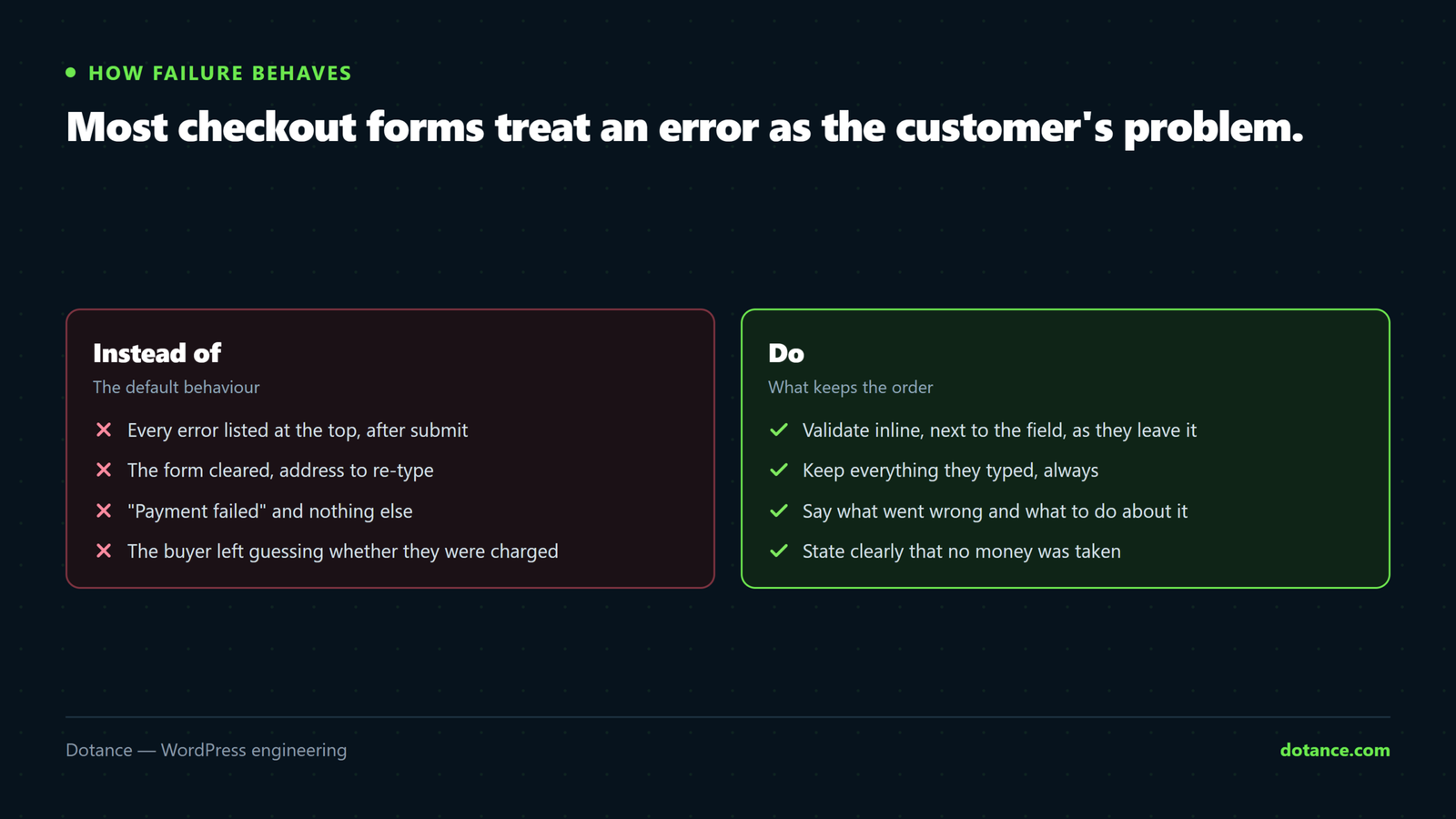
Most checkout forms treat errors as the customer’s problem. Three changes:
| Instead of | Do |
|---|---|
| Every error listed at the top after submit | Validate inline, next to the field, as they type |
| Clearing the form on failure | Keep everything they entered |
| “Invalid input” | “Enter a valid UK postcode, e.g. SW1A 1AA” |
A customer who has to retype their whole address because one field was wrong very often does not.
Test what a declined payment looks like
This is the most-skipped test in ecommerce, and the state where the most revenue is quietly lost — the customer wanted to buy and something went wrong.
Every gateway provides test card numbers that force a decline. Use one on staging and watch carefully:
- Is the message human, or a gateway error code?
- Is the cart still intact?
- Are the entered details still there?
- Can they try a different method without starting again?
- Is a failed order recorded so you can follow up?
If the answer to any of those is no, fix it before optimising anything else on this page.
Checkout speed is conversion
Cart and checkout cannot be page-cached, so they are usually the slowest pages on the store — exactly where slowness costs most.
curl -s -o /dev/null -w "checkout: %{time_total}s\n" https://store.com/checkout/If the homepage loads in under a second and checkout takes four, you are losing people at the last step for purely technical reasons. Object caching first — the detail is in store speed.
Never minify or defer checkout scripts. The saving is a few kilobytes; the risk is a payment form that silently stops working. Exclude /checkout/, /cart/ and /my-account/ from every JS optimisation.
What does not reliably help
| Popular change | Reality |
|---|---|
| One-page checkout | Sometimes better, sometimes a long form is more intimidating than three short steps. Test on your own store. |
| Removing header and footer | Marginal, and it can remove the trust signals people look for. |
| Countdown timers, “3 left!” | Manufactured urgency erodes trust with exactly the customers who would have bought. |
| A wall of trust badges | A visible refund policy and real contact details do far more. |
| Coupon field removed entirely | Collapse it, do not delete it — people with a genuine code will hunt, and fail. |
Block checkout or classic?
The block-based checkout is faster and where WooCommerce is heading. The constraint is extension support — a critical plugin that has not caught up is a legitimate reason to stay on classic for now.
Test on staging with your full plugin stack and place a real test order before switching. “It renders” is not the test; “an order completes and the notification arrives” is.
Change one thing at a time
Checkout is the last place to ship five changes at once and discover the number went down. Change one, give it enough orders to mean something, then the next.
And record what you changed and when. When conversion moves in three weeks, that note is the difference between knowing why and guessing.
Common questions
How many fields should a checkout have?
As few as fulfilment genuinely requires. For most physical stores that is name, email, address, payment. Everything else needs to justify itself against the audit above.
Should I ask for a phone number?
Optional, usually. Couriers often want one, so removing it entirely can cause delivery problems — making it optional rather than required is the balance.
Is a distraction-free checkout worth it?
Removing the main navigation, yes — every link is an exit. Removing all branding and contact details, no; that reduces trust at the moment it matters most.
How long before I know a change worked?
Enough orders that the difference is not noise — on a low-volume store that can be weeks. Judging a checkout change on two days of data is how stores talk themselves into bad decisions.