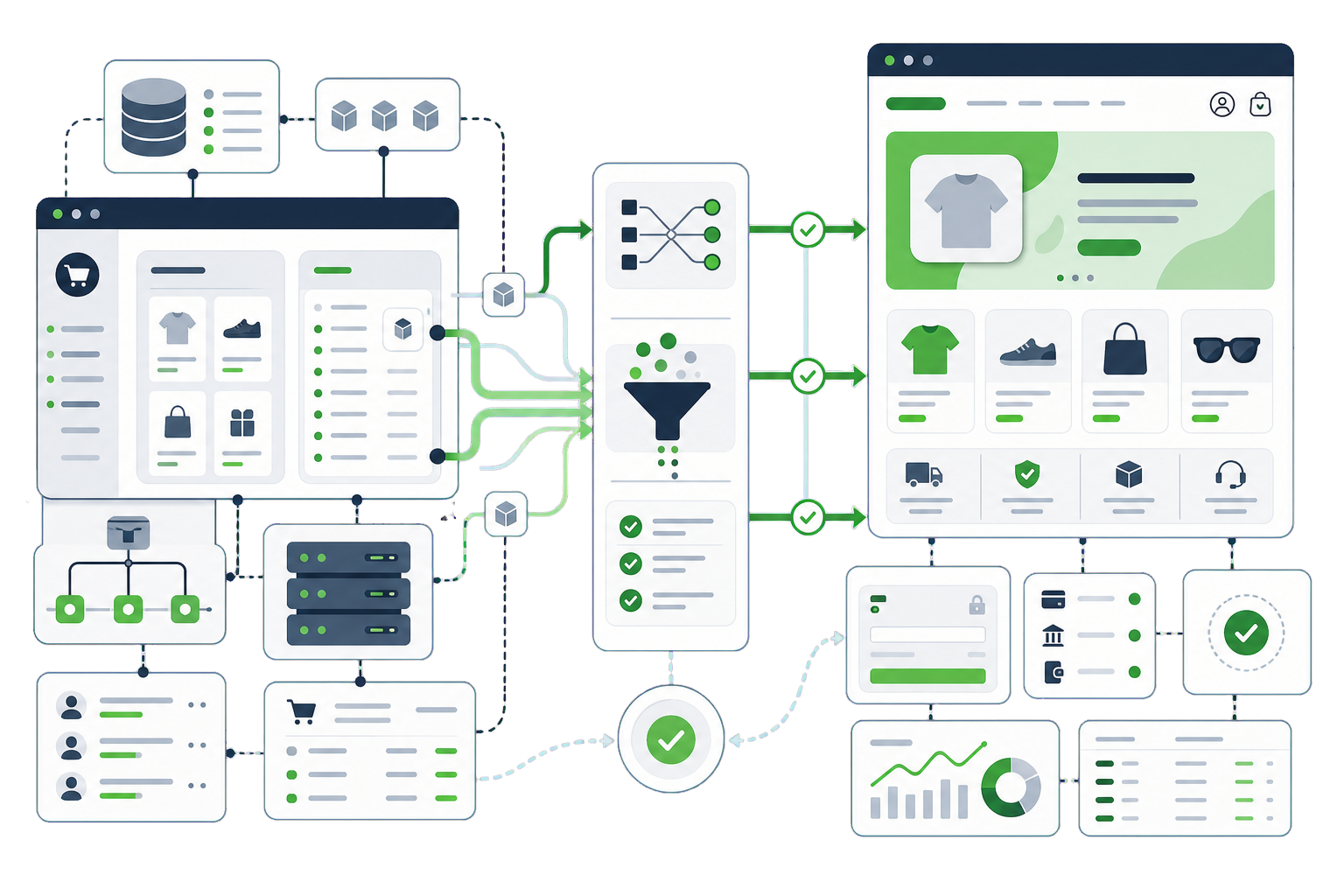
Magento to WooCommerce without enterprise overhead.
Magento is genuinely powerful — and demands an enterprise budget to stay that way: specialist developers, heavyweight hosting, and upgrades that feel like projects. For most stores that outgrew nothing except the overhead, WooCommerce delivers the same commerce with radically lower running costs. The migration is a data-mapping exercise, and the mapping is where we earn our fee.
Catalog — categories, attribute sets, simple and configurable products with all options
Customers — accounts, addresses and customer groups (mapped to roles/B2B pricing tiers)
Order history — migrated in batches and reconciled against Magento’s own reports
Tier and group pricing — recreated with WooCommerce B2B tooling where you use it
URL structure — Magento paths and rewrites 301-mapped to WooCommerce permalinks
Extensions — audited and mapped to WooCommerce equivalents or native features
The Magento specifics
What our Magento to WooCommerce work covers.
Every platform has traps that generic migration checklists miss. These are the Magento-specific ones — the difference between a clean move and a rescue job.
Configurables are the mapping test
Magento configurable products (attribute-set driven) map to Woo variable products, but large attribute sets and layered options need product-by-product verification. We spot-check the most complex SKUs first, by design.
Customer groups need a strategy
Magento group pricing and B2B behaviour have no single Woo twin — they are recreated via roles plus B2B/pricing plugins. Decide the tooling before the data moves, or pricing arrives homeless.
Order volume is a logistics problem
Tens of thousands of orders migrate fine, but in planned batches with reconciliation, not one heroic import. The revenue reports must match at the end — we treat that as an acceptance test.
Multi-store needs an answer
Magento multi-store maps to WordPress multisite, separate stores, or consolidation. It is an architecture decision made up front — each path has different costs.
Performance expectations differ
Magento hides slow queries behind indexers; WooCommerce needs its own performance discipline (HPOS, indexes, hosting sized for uncached traffic). We build that in rather than discovering it at the first sale spike.
Every migration is a parallel build: your Magento site keeps running while the new WooCommerce site is built and verified beside it. The switch is a planned window, not a leap.
Audit and inventory. Content, URLs, rankings, integrations — everything that must survive gets listed before anything moves.
Parallel build. The WooCommerce site is built and the data migrated on staging, while the live site trades on untouched.
Verification. Content counts, redirect map, metadata parity, forms, payments and a live test order — checked against the inventory.
Cutover. DNS switches in a low-traffic window; the old site stays reachable to us until everything is confirmed.
Aftercare. We watch Search Console, 404s and the numbers for the following weeks and fix what the real world surfaces.
Cost and timeline
What a Magento to WooCommerce migration costs, and what moves the number.
Two quotes for the same Magento store can differ by several thousand, and the spread is rarely padding — it is usually that the two firms read the job differently. Rather than publish one figure that would be wrong for most stores, here is what actually moves the number.
How deep the attribute sets go
Magento's attribute sets and configurable products are its most powerful feature and the most expensive thing to translate. A catalogue using two attribute sets is a different job from one using twenty, whatever the product count says.
Customer groups and tiered pricing
B2B pricing, customer groups and per-group catalogues all have WooCommerce equivalents, but they are mapped deliberately rather than imported. If your pricing logic is the business, it is also the quote.
How much order history moves
Magento stores tend to be long-lived, so this is usually the largest single dataset in the project. How far back you genuinely need is worth deciding before anyone quotes, not after.
What else is wired into Magento
ERP, PIM, fulfilment and accounting integrations each need rebuilding against WooCommerce. One integration is routine; four is a project inside the project, and it should be priced as one.
How much URL history you are carrying
Long-lived stores carry long URL histories, including paths from earlier Magento versions. A complete inventory and redirect map is the difference between keeping a decade of equity and starting again.
Questions
Magento to WooCommerce questions, answered plainly.
If your Magento to WooCommerce question is not covered here, send us the details and we will reply with a straight answer.
Can WooCommerce really handle our Magento-sized catalog?
Almost always, yes. WooCommerce with High-Performance Order Storage, proper indexes and adequately sized hosting runs catalogs of tens of thousands of SKUs comfortably. What actually matters is engineering the store correctly — which is precisely the difference between a migration and a data dump.
Do configurable products and their options survive?
Yes — configurables map to WooCommerce variable products with attributes and variations. Complex attribute sets are verified product by product on the messiest SKUs first, so mapping problems surface in testing rather than at checkout.
What about our B2B customer groups and tier pricing?
They are recreated with WooCommerce B2B tooling: customer roles for the groups, and role- or quantity-based pricing rules for the tiers. We agree the tooling before migrating customers so every account lands with its correct pricing from day one.
Will our order history reconcile?
Yes, and we treat it as an acceptance test: orders migrate in batches and totals are reconciled against Magento’s own sales reports before cutover. Accounting should not be able to tell the platforms apart in the numbers.
Why move from Magento to WooCommerce?
Usually cost and complexity. Magento is powerful and expensive to run; for catalogues that do not need that power, WooCommerce does the same job with a far smaller maintenance bill.
We would like to use analytics cookies to understand how the site is used. They are not needed for the site to work, and nothing is loaded unless you agree. Privacy policy