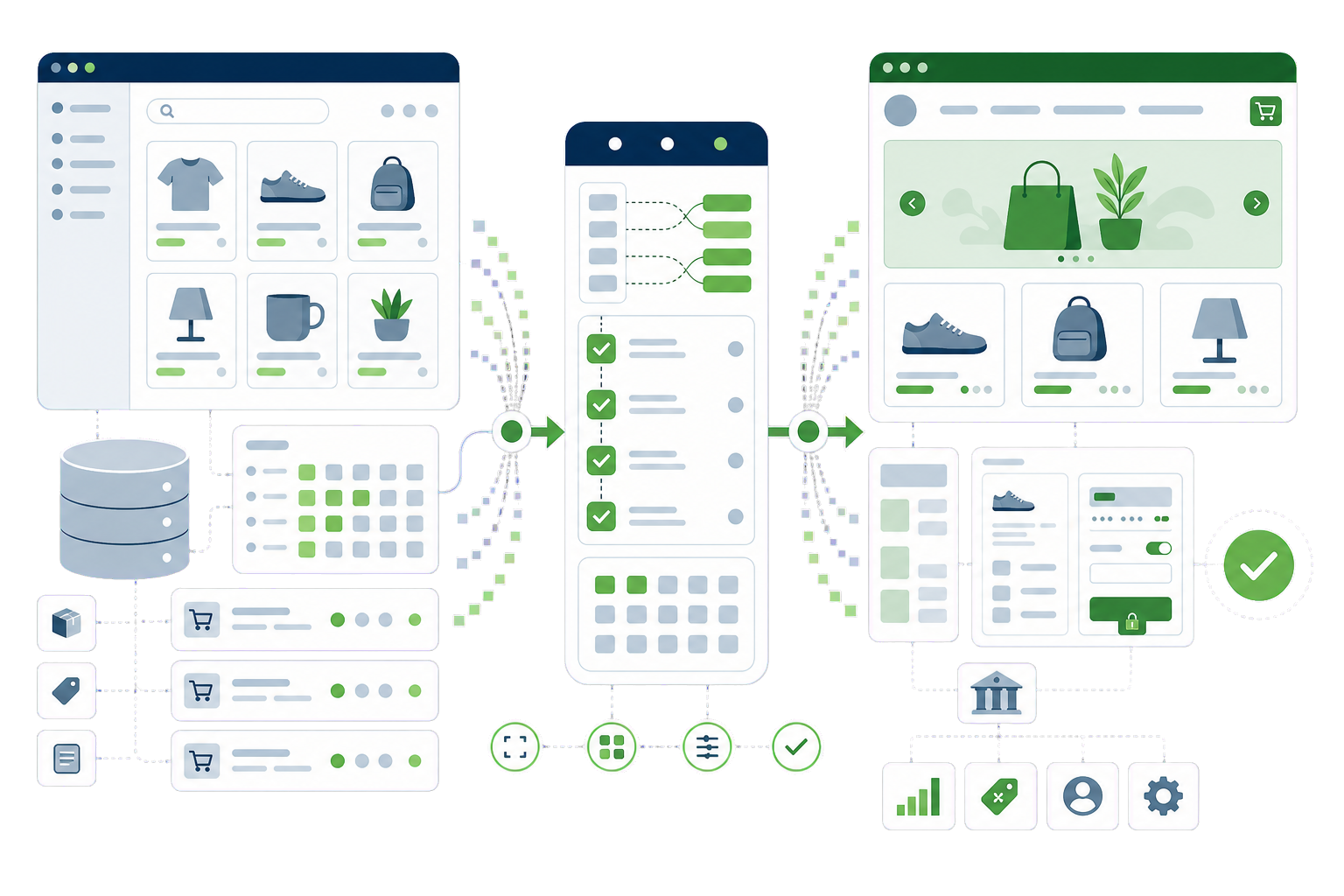
BigCommerce trades app-store sprawl for built-in features — and for revenue-based plan tiers that raise your bill as you grow, plus the same ceiling every hosted platform has. WooCommerce removes the tiers and the ceiling. The move itself is well-trodden: structured exports exist, and the craft is in mapping BigCommerce’s option model onto WooCommerce correctly.
Products — with images, options, modifiers and rules mapped into variations and add-ons
Categories — hierarchy and merchandising order carried across
Customers and orders — exported via API/CSV, imported and count-verified
URL map — BigCommerce category/product paths 301-redirected to Woo permalinks
Payments and shipping — gateways and zones re-established and tested with live orders
Content pages and blog — moved into WordPress, where they finally have a real CMS behind them
The BigCommerce specifics
What our BigCommerce to WooCommerce work covers.
Every platform has traps that generic migration checklists miss. These are the BigCommerce-specific ones — the difference between a clean move and a rescue job.
Options vs modifiers
BigCommerce distinguishes variant-building options from add-on modifiers. Options map to Woo variations; modifiers map to product add-ons — conflating the two corrupts the catalog. This mapping is checked SKU by SKU on your complex products.
Faceted URLs and search equity
Category filtering creates URL patterns that may hold rankings. The redirect map covers canonical category and product URLs, and the new store canonicalises its own facets properly from day one.
Hosted checkout habits
Fraud screening, wallets and some payment behaviours were platform-provided. Their WooCommerce equivalents (gateway-side fraud tools, wallet buttons) are configured deliberately, not assumed.
App parity audit
BigCommerce apps and built-ins each need a WooCommerce answer — plugin, native, or retire. The audit happens early because it sets the real budget.
Email deliverability
Order emails that “just worked” hosted now need proper SMTP/API setup on your stack, or the first thing customers notice is missing receipts.
Process
How the BigCommerce to WooCommerce migration runs.
Every migration is a parallel build: your BigCommerce site keeps running while the new WooCommerce site is built and verified beside it. The switch is a planned window, not a leap.
Audit and inventory. Content, URLs, rankings, integrations — everything that must survive gets listed before anything moves.
Parallel build. The WooCommerce site is built and the data migrated on staging, while the live site trades on untouched.
Verification. Content counts, redirect map, metadata parity, forms, payments and a live test order — checked against the inventory.
Cutover. DNS switches in a low-traffic window; the old site stays reachable to us until everything is confirmed.
Aftercare. We watch Search Console, 404s and the numbers for the following weeks and fix what the real world surfaces.
Cost and timeline
What a BigCommerce to WooCommerce migration costs, and what moves the number.
Two quotes for the same BigCommerce store can differ by several thousand, and the spread is rarely padding — it is usually that the two firms read the job differently. Rather than publish one figure that would be wrong for most stores, here is what actually moves the number.
How your options and modifiers are built
BigCommerce's option model does not map one-to-one onto WooCommerce variations. Where modifiers change price or SKU, each case has to be translated and checked. This is the single biggest driver, and it is invisible in a product count.
Catalogue size
The number of products matters, but less than how uniform they are. A large catalogue built to one pattern migrates faster than a small one where every product was set up its own way.
How much customer and order history moves
Customers and open orders almost always travel. Years of completed orders are a decision worth making explicitly, because that volume is a real part of the work rather than a free extra.
Which built-in features become plugins
BigCommerce bundles things WooCommerce gets from plugins. Each one has to be chosen, configured and tested rather than assumed — and a couple will behave differently enough to need a decision from you.
How much URL history you are carrying
Product and category paths differ between the platforms and need explicit mapping. Skipping this is how a store keeps its catalogue and loses its rankings in the same week.
Questions
BigCommerce to WooCommerce questions, answered plainly.
If your BigCommerce to WooCommerce question is not covered here, send us the details and we will reply with a straight answer.
Variant-building options become WooCommerce variations; add-on style modifiers become product add-ons. The distinction matters — mapping them interchangeably corrupts the catalog — so we verify the mapping on your most complex products before migrating the rest.
Does our order history move?
Yes. Customers and orders export via the BigCommerce API and import into WooCommerce, with counts and totals verified against BigCommerce’s reports. Support and accounting keep full history from day one on the new store.
Will we save money after the move?
Typically yes, and structurally: no revenue-based plan tiers and no platform percentage. You take on hosting and maintenance costs instead — a fixed, controllable spend that usually lands well below a growing store’s BigCommerce bill. We put real numbers on it during scoping.
How long does a BigCommerce migration take?
A typical store takes three to five weeks: parallel build, data migration with verification, payment and shipping re-setup, then a planned cutover in a quiet window. The store keeps selling on BigCommerce until the moment the switch is flipped.
What moves in a BigCommerce to WooCommerce migration?
Products with variants and images, customers, and order history. What does not move: customer passwords, saved payment tokens, and anything living in a BigCommerce app rather than BigCommerce itself.
They change shape, so every ranking URL needs a 301 to its WooCommerce equivalent. That map is the difference between keeping your rankings and starting again.
We would like to use analytics cookies to understand how the site is used. They are not needed for the site to work, and nothing is loaded unless you agree. Privacy policy