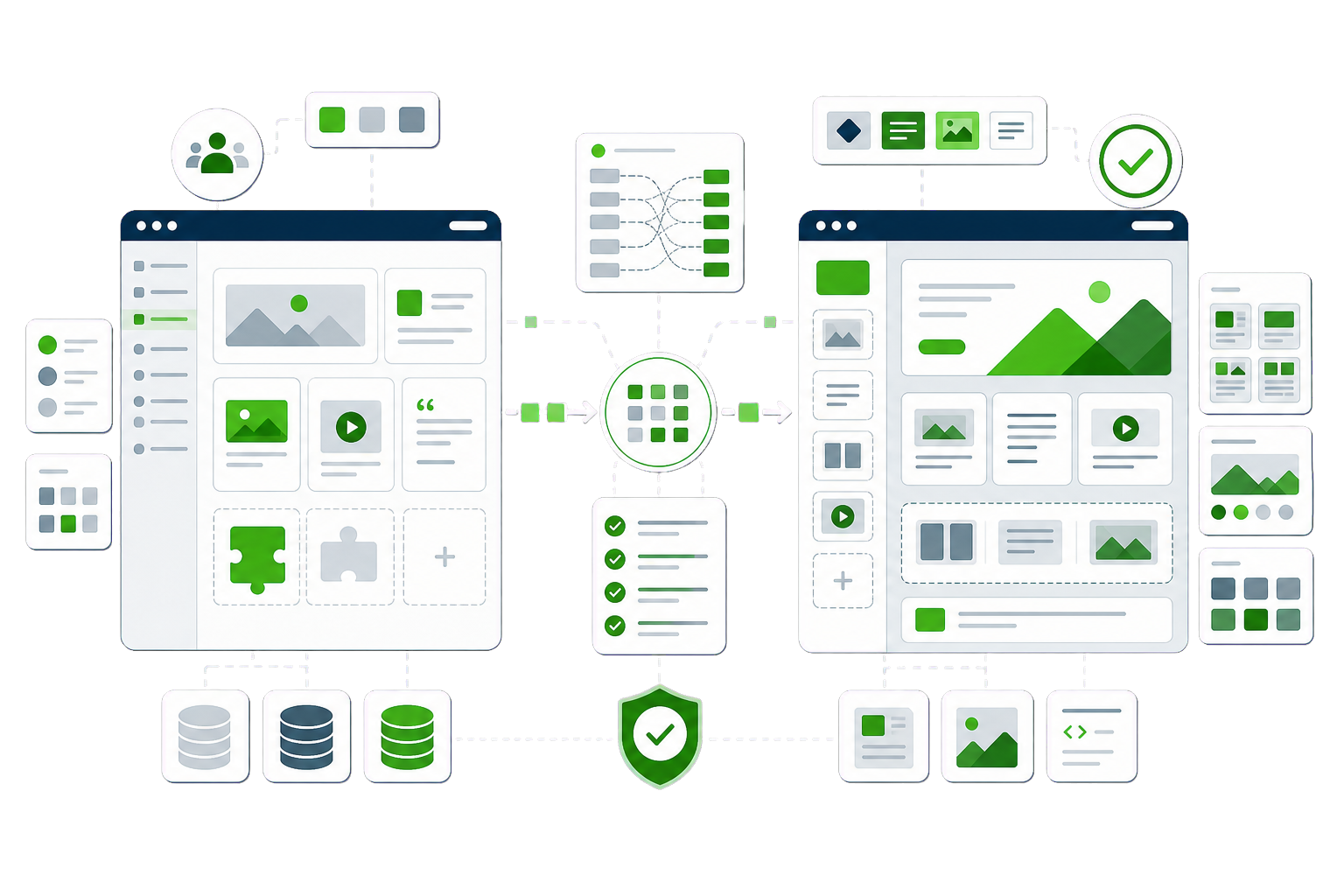
Joomla sites tend to be long-serving — and long-neglected, because the people who love maintaining Joomla are getting rarer. WordPress offers the same capability with a living ecosystem. The migration is mostly translation: Joomla’s structures have WordPress equivalents, and the few that do not get rebuilt properly.
Articles → posts/pages with categories mapped and authorship preserved
Category trees → WordPress categories, hierarchy intact
K2 items and fields → posts with structured meta (K2 rarely dies quietly — we extract it properly)
Menus → WordPress menus reflecting the same information architecture
Users → migrated with role mapping and a secure password reset
SEF URLs → all variants (SEF on, off, and historical) captured in the redirect map
The Joomla specifics
What our Joomla to WordPress work covers.
Every platform has traps that generic migration checklists miss. These are the Joomla-specific ones — the difference between a clean move and a rescue job.
K2 and components hold the real content
On many Joomla sites the valuable content lives in K2 or other components, not core articles. Each component needs its own extraction path — assuming the migration is “just articles” is how content gets left behind.
SEF URLs multiply
The same article can be reachable via SEF URLs, non-SEF index.php?option=… URLs, and older router variants. The redirect map must catch all of them, or a slice of your traffic 404s.
Modules and positions have no twin
Joomla’s module/position layout maps loosely to widgets, blocks and template parts. Layout is redesigned into the WordPress model rather than imitated.
Extension parity check
Every extension needs a verdict: WordPress plugin equivalent, native feature, or retirement. Doing this early sets the real scope of the project.
Very old installs
Joomla 1.5-era databases have encoding and schema quirks. Content still comes out — we work from the database — but budget cleanup time.
Every migration is a parallel build: your Joomla site keeps running while the new WordPress site is built and verified beside it. The switch is a planned window, not a leap.
Audit and inventory. Content, URLs, rankings, integrations — everything that must survive gets listed before anything moves.
Parallel build. The WordPress site is built and the data migrated on staging, while the live site trades on untouched.
Verification. Content counts, redirect map, metadata parity, forms — checked against the inventory.
Cutover. DNS switches in a low-traffic window; the old site stays reachable to us until everything is confirmed.
Aftercare. We watch Search Console, 404s and the numbers for the following weeks and fix what the real world surfaces.
Cost and timeline
What a Joomla to WordPress migration costs, and what moves the number.
Two quotes for the same Joomla site can differ by several thousand, and the spread is rarely padding — it is usually that the two firms read the job differently. Rather than publish one figure that would be wrong for most sites, here is what actually moves the number.
Article and category volume
Core articles and categories translate well, so volume here is the straightforward part of the estimate — but it is still the part that sets the floor. Count them before asking for a price.
How much content lives in components
K2, custom components and directory extensions store content outside the article tables. Each one needs its own extraction route, and this is the factor most likely to separate two quotes for the same site.
Extensions that have to be replaced
Forms, galleries, memberships and language extensions each need a WordPress equivalent chosen and configured. One or two is routine; a site built on a dozen is a different project.
Template rebuild fidelity
Joomla templates do not convert — the design is rebuilt as a WordPress theme. Reproducing it exactly is slower than keeping the look and tidying it on the way through, and that is a decision worth making before quoting.
How much URL history you are carrying
Joomla SEF URLs, with and without IDs, need mapping to WordPress permalinks. Long-serving Joomla sites usually carry several generations of URL pattern, and all of them need to land somewhere.
Questions
Joomla to WordPress questions, answered plainly.
If your Joomla to WordPress question is not covered here, send us the details and we will reply with a straight answer.
Yes. K2 items, categories, tags and extra fields are extracted from the database and mapped to posts with structured meta. K2 is where the real content lives on many Joomla sites, so it is treated as first-class in the mapping, not an afterthought.
What happens to our SEF URLs?
They are inventoried — including non-SEF and historical variants of the same pages — and 301-redirected to the new WordPress permalinks. Joomla sites often have several live URLs per article, and catching all of them is what keeps the search traffic.
Can you handle a very old Joomla version?
Yes. We migrate from end-of-life versions routinely, working directly from the database rather than the admin. Old installs add cleanup work — encoding fixes, schema quirks — but they do not block the move.
Will our menu structure and layout carry over?
Your information architecture carries over: menus are rebuilt to the same structure. The visual layout is redesigned into WordPress patterns rather than copied, because Joomla’s module-and-position model has no direct equivalent — and the redesign is usually overdue anyway.
What is involved in a Joomla to WordPress migration?
Articles, categories and media transfer cleanly. Extensions do not — each one needs a WordPress equivalent chosen and configured, which is where the real planning goes.
With a full redirect map, yes. Joomla URL patterns differ from WordPress, so nothing lines up by accident and every indexed URL needs mapping deliberately.
We would like to use analytics cookies to understand how the site is used. They are not needed for the site to work, and nothing is loaded unless you agree. Privacy policy