
Custom themes & block themes
Built from your design system, not a marketplace theme bent into shape. Block themes with theme.json where it fits, classic themes where your stack still needs one.
Build · Engineering
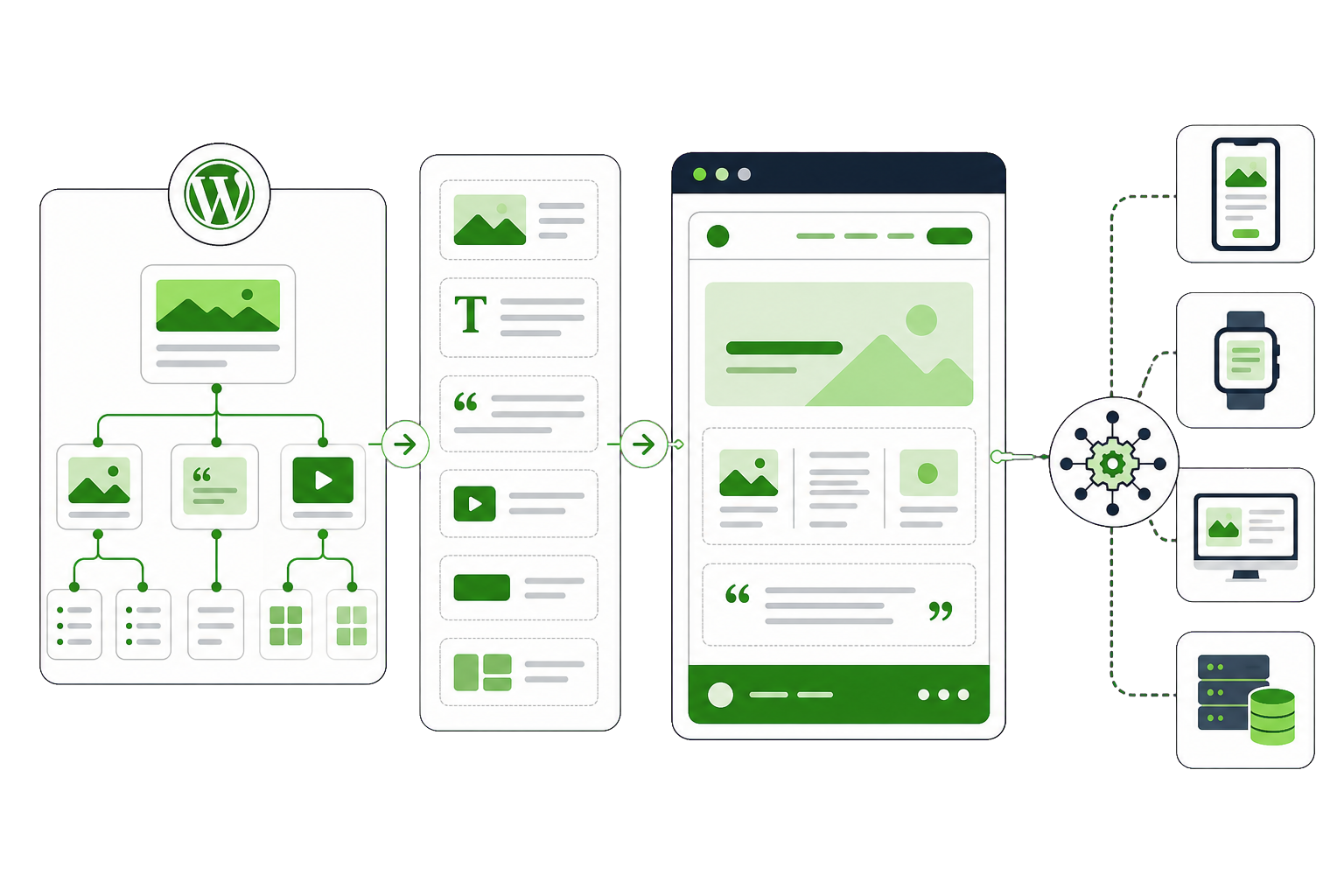
We build on core WordPress APIs and Gutenberg — not on a page builder that holds your content hostage. That means your editors can work without us, your site stays fast, and any competent WordPress developer can pick it up after we hand it over. That is what our custom WordPress development work is built to fix.
The problem
Your marketing team wants to publish a landing page and has to raise a ticket. The page builder that promised freedom turned into a system only one person understands, and that person has left.
Your business has products, locations, case studies and events. Your theme has posts and pages. Everything gets forced into the wrong shape, and the workarounds become the architecture.
Core files edited directly, logic buried in a theme that cannot be updated, no documentation. It runs fine until the day it does not, and then nobody can safely touch it.
Each one solved a problem on the day it was installed. Together they load megabytes of assets on every page, overlap in what they do, and half are no longer maintained by anyone.
What we build
Built from your design system, not a marketplace theme bent into shape. Block themes with theme.json where it fits, classic themes where your stack still needs one.
Custom blocks your editors can place, configure and preview — with locked patterns where the brand needs protecting, and sensible defaults so nobody has to think about spacing.
Custom post types, taxonomies and fields that mirror how your business actually works — so editors fill in meaningful fields instead of wrestling a single WYSIWYG box.
REST API endpoints, webhooks and scheduled jobs that connect WordPress to your CRM, ERP, data warehouse or whatever else the business runs on — with retries and readable logs.
WordPress as the editing experience with a separate front end where that genuinely helps. We will also tell you when it does not, which is more often than the hype suggests.
One install serving many brands, regions or languages, with shared components and a translation workflow your team can run without a developer in the loop.
How it works
Who edits, what they publish, what the site has to integrate with.
Post types, taxonomies and fields agreed before a line of template code.
The set of blocks and patterns your editors will actually assemble pages from.
Theme, blocks and integrations, on staging, reviewed against real content.
Coding standards, cross-browser, accessibility and load before launch.
Documentation and a walkthrough, so your team owns it from day one.
Results
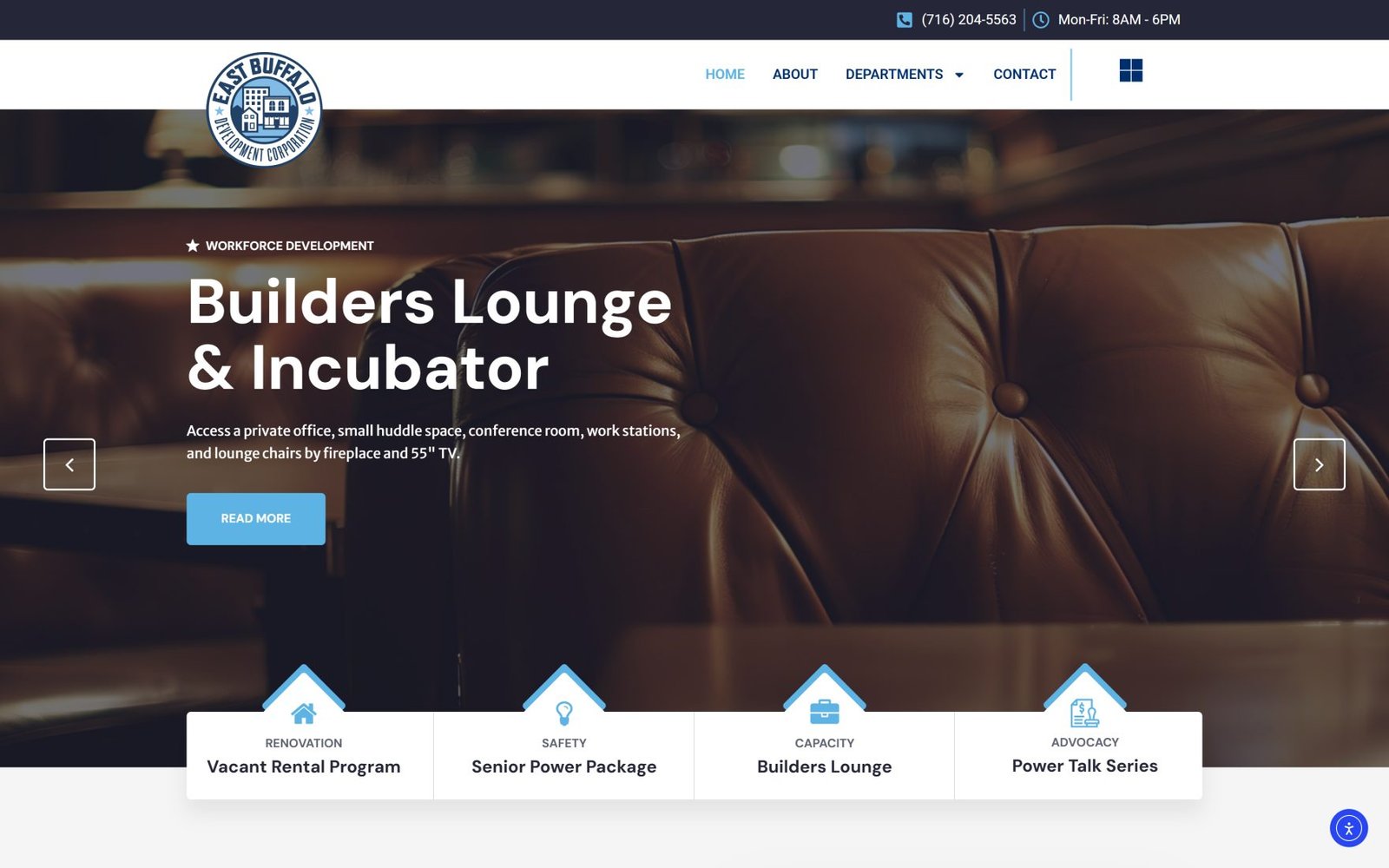
East Buffalo Development Corporation
Community-based real estate development on Buffalo's Eastside — affordable housing, vacant home reactivation, renovation, senior programmes. Residents need one department; the site has to serve all of them. Built the site as a set of departments rather than a services page, so a resident lands on the programme that applies to them and the corporation's work as a whole is still visible.
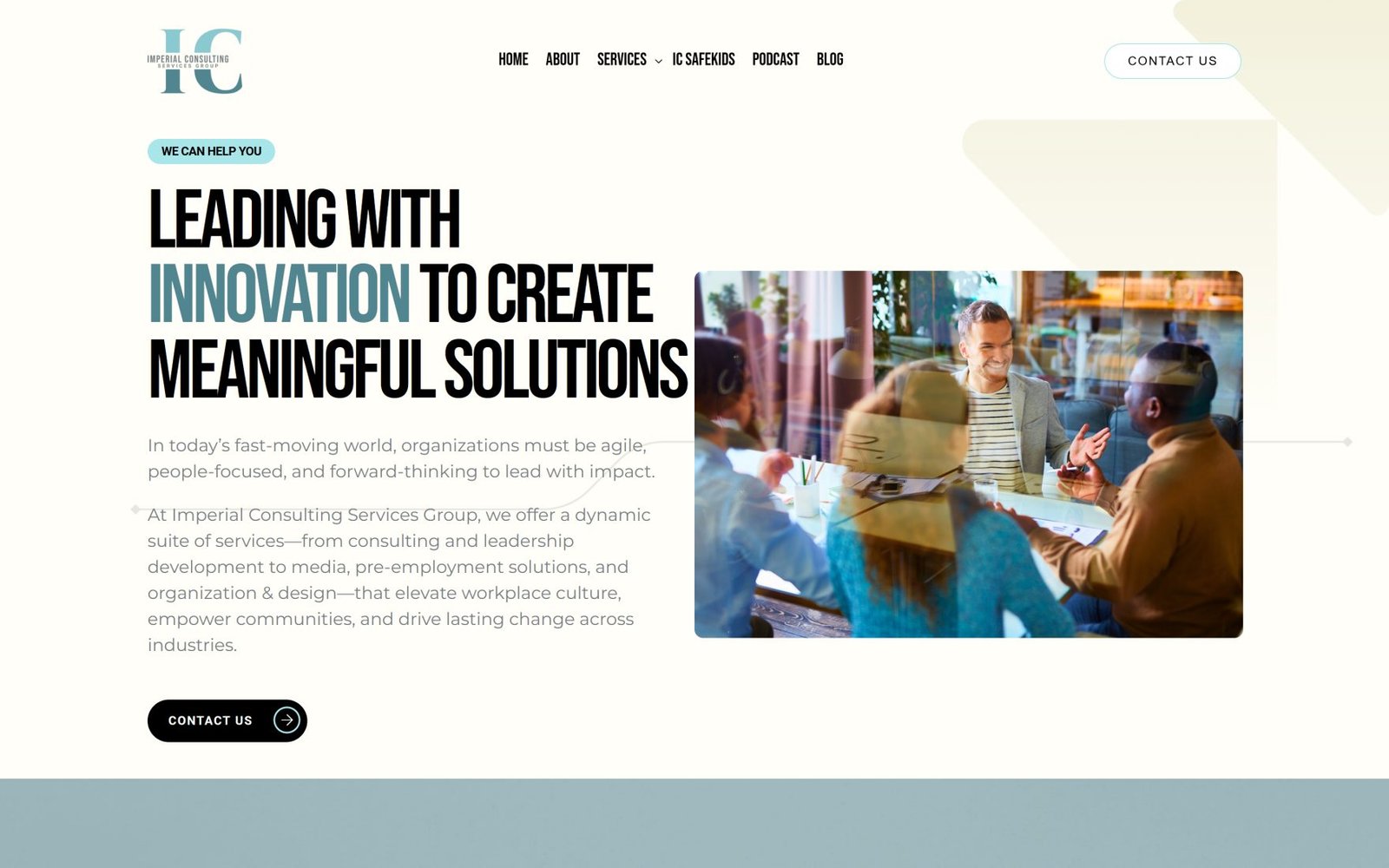
Imperial Consulting Services Group
Consulting, training, media and biometric fingerprint services under a single brand — a range broad enough that a visitor could easily conclude the firm does none of it properly. Built the site so each division has its own room while the group reads as one organisation, with new services (biometrics, notary and identity) able to launch without a redesign.
Capabilities
Engagement
Fixed fee
A content model, a block inventory and a technical plan you can build from — with us or with anyone else. Often the cheapest way to find out what a project really involves.
Fixed price after discovery
Scoped work with dated milestones — a new theme, a block system, a migration or an integration layer. Quoted fixed so there are no surprises mid-project.
Monthly
One of our developers working inside your team on your board and in your standups, for teams that have the roadmap but not the WordPress depth.
Cost
The engagement shapes above say how the work is bought. This is the other half: why two custom WordPress builds with similar-looking briefs can be quoted thousands apart, and which of those differences are worth paying for.
A site of pages is one job; a site of related things — people linked to projects linked to locations, each with their own fields — is another. The number of content types and the relationships between them drive the build more than the number of pages ever will.
Every CRM, payment processor, booking system or internal API is a piece of engineering with its own failure cases to handle. One integration is routine. Four, where data has to stay consistent between them, is a large share of the project.
A single editor publishing pages needs very little. Several roles, approval steps, scheduled content or multiple languages need a workflow designed and tested, and that work is invisible on the finished site.
Accessibility to WCAG 2.1 AA, a hard Core Web Vitals target, or a security review before launch are all worth having. Each is also real time, and a quote that includes them is not comparable with one that quietly does not.
Rebuilding on top of a sound existing codebase is quicker than starting clean; untangling a poor one can be slower than both. Discovery is where that gets decided, which is why the build is priced after it rather than before.
Questions
If your custom WordPress development question is not covered here, send us the details and we will reply with a straight answer.
Page builders are genuinely good for small sites built quickly. They become a liability at scale: they add significant page weight, they store your content in their own markup so leaving means rebuilding, and complex layouts get slower to edit rather than faster. If you already run one and it works, we will say so — we do not rebuild for the sake of it.
A block theme lets templates and global styles be edited in WordPress itself rather than in code. It suits content-led sites where the team wants layout control. Classic themes still make sense when your stack depends on extensions that have not caught up. We choose based on what your site has to do, not on what is newest.
That is the point of the block system. Your editors get a set of blocks and patterns designed for the pages you actually publish, with brand rules built in so nothing can be knocked out of alignment. We hand over with a walkthrough and documentation, and most teams stop needing us for day-to-day publishing entirely.
Both. A lot of our work is extending and repairing what already exists — a child theme done properly, a few custom blocks, an integration that was missing. We audit first and recommend a rebuild only when the existing code makes ongoing work more expensive than starting again.
Usually not. Headless makes sense when you are serving several front ends from one content source, or your front-end team already lives in React and owns that layer. It costs you preview, some editor convenience and a chunk of budget. For a single marketing site, a well-built WordPress front end is faster to ship and cheaper to run.
You keep everything and it stays maintainable. We build on core WordPress APIs, follow WordPress Coding Standards, use no proprietary framework and document what we ship. Any competent WordPress developer can pick it up. Clients stay with us because the work is good, not because leaving would be painful.
When the logic is your business, when the integration has no connector, or when several plugins are chained to fake one feature. Below that, a maintained plugin is the honest recommendation.
The platform itself is documented at wordpress.org.
Everything is built on documented hooks and APIs, never by editing core, and functionality lives in a plugin rather than the theme so it survives your next redesign.
Related services
Start here
The more you can tell us, the more useful our first reply will be. No sales sequence — one of the people who would actually do the work reads this.
Prefer email? hello@dotance.com
We would like to use analytics cookies to understand how the site is used. They are not needed for the site to work, and nothing is loaded unless you agree. Privacy policy