
Customer passwords cannot move
Password hashes are not exportable from Shopify. Accounts migrate; passwords do not. A friendly set-your-new-password email at launch handles it — plan the comms, not just the data.
Migration · Shopify → WooCommerce
Shopify charges rent on your own revenue — subscription tiers, app fees, and transaction cuts unless you use their payments. WooCommerce ends that: open source, no platform tax, unlimited customisation. The migration is a solved problem when it is run as a parallel build with a planned cutover — which is exactly how we run it.
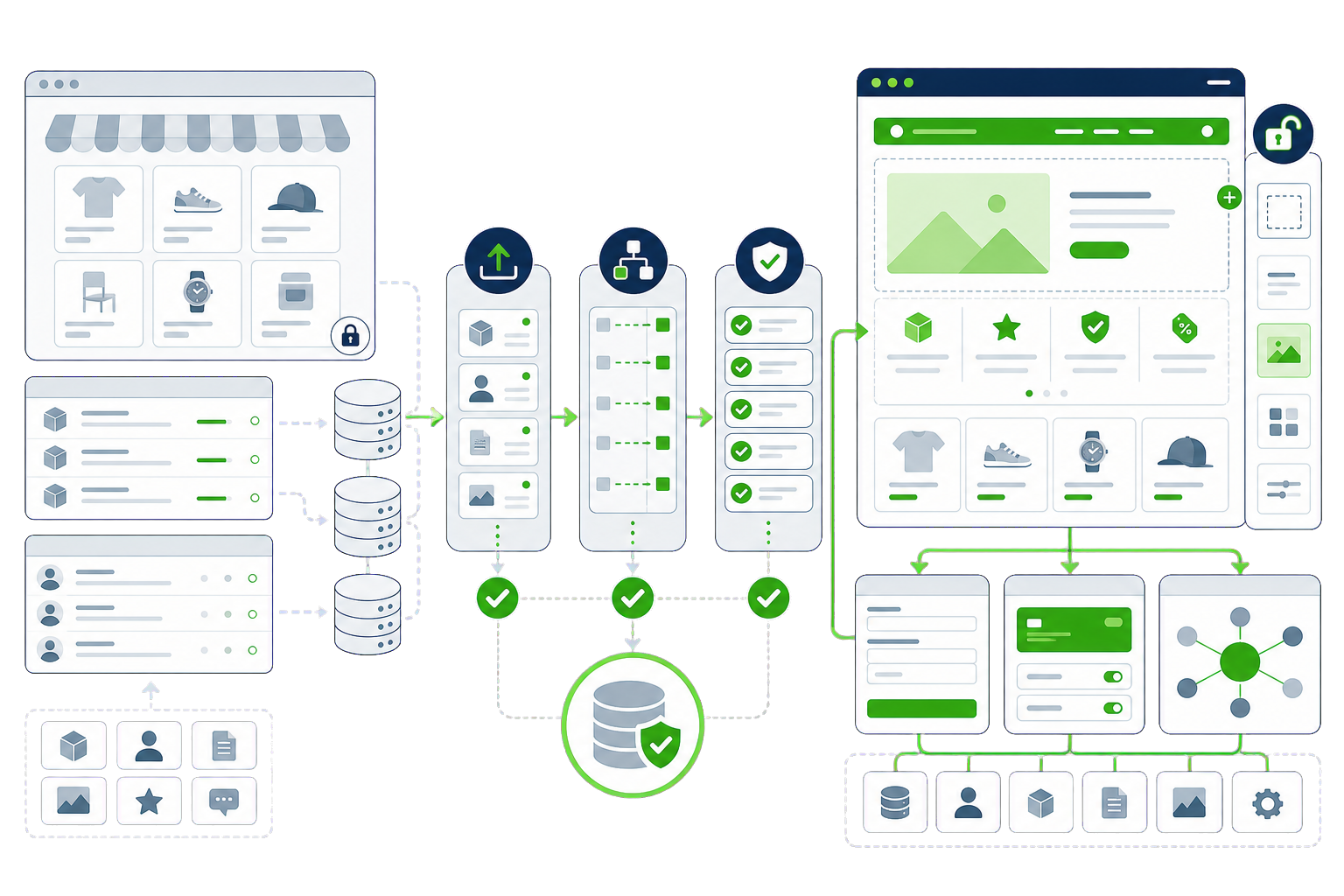
Why switch
Monthly tiers, paid apps for basics, and transaction fees on top. WooCommerce takes no cut of your sales — ever.
Checkout and platform behaviour are locked except at Shopify’s highest tiers. On WooCommerce, everything is code you control.
Each app is a monthly bill and a data silo. WordPress plugins are typically one licence — and often one-time.
Your store lives on Shopify’s infrastructure under Shopify’s rules. WooCommerce puts the asset on hosting you own.
What moves
The Shopify specifics
Every platform has traps that generic migration checklists miss. These are the Shopify-specific ones — the difference between a clean move and a rescue job.
Password hashes are not exportable from Shopify. Accounts migrate; passwords do not. A friendly set-your-new-password email at launch handles it — plan the comms, not just the data.
Recurring billing tokens live at the gateway. Whether they can transfer depends on your gateway’s migration path — confirm it before promising dates, or renewals break.
Shopify’s option/variant model maps to Woo variable products, but complex option sets need checking product by product. Spot-check your messiest products first.
The Shopify theme is Liquid; nothing of it runs on WordPress. The storefront is rebuilt as a WooCommerce theme — a feature, since it removes years of app-injected cruft.
Transactional email that “just worked” on Shopify must be set up properly on WooCommerce (SMTP or an email API), or order emails land in spam.
Process
Every migration is a parallel build: your Shopify site keeps running while the new WooCommerce site is built and verified beside it. The switch is a planned window, not a leap.
Cost and timeline
Two quotes for the same Shopify store can differ by several thousand, and the spread is rarely padding — it is usually that the two firms read the job differently. Rather than publish one figure that would be wrong for most stores, here is what actually moves the number.
Three hundred simple products is a smaller job than thirty with options, size charts and per-variant images. Variants are where catalogue migrations actually cost money, because each one has to land on the right WooCommerce variation.
Customers and open orders are usually non-negotiable. Ten years of completed orders is a choice — useful for reporting, and a meaningful share of the migration effort. Deciding how far back you genuinely need is the cheapest lever you have.
Subscriptions, reviews, loyalty, bundles, shipping rules — each Shopify app that matters needs a WooCommerce equivalent chosen, configured and tested against real orders. The app list is the part most quotes under-read.
Tax rules across regions, discount logic, multi-currency and the payment gateway switch each carry their own testing. A single-country store with one gateway is straightforward; a store trading across borders is not.
Shopify's /products/ and /collections/ paths have to be mapped deliberately to their WooCommerce equivalents. Product URLs carry search equity that took years to earn, and they are the easiest thing to lose in a hurried cutover.
Questions
If your Shopify to WooCommerce question is not covered here, send us the details and we will reply with a straight answer.
Yes. Orders export from Shopify and import into WooCommerce so customer service and accounting keep their history. On large stores we do it with migration tooling and verify counts and totals against Shopify’s reports before cutover.
Each app maps to one of three outcomes: a WooCommerce plugin equivalent, functionality WordPress does natively, or — surprisingly often — something you no longer need. We audit the app list early and price the plugin equivalents into the plan, so there are no surprise subscriptions.
Yes, provided it is built and hosted properly — that means hosting sized for uncached checkout traffic, a hardened payment setup tested with real transactions, and monitoring on the checkout path. That is standard scope in our store migrations, not an optional extra.
Yes — that is the point of the parallel build. Shopify keeps trading while WooCommerce is built and tested. At cutover we freeze changes, run a final delta import of the newest orders and customers, switch DNS in a quiet window, and verify with a live test order.
Customer passwords, gift card balances, discount codes, and anything held in a Shopify app — reviews and loyalty points included. Export the app data before you cancel the apps.
The platform itself is documented at wordpress.org.
Usually. There is no platform transaction fee and no app subscriptions, against hosting and maintenance you now own. The crossover comes sooner than most stores expect.
We would like to use analytics cookies to understand how the site is used. They are not needed for the site to work, and nothing is loaded unless you agree. Privacy policy