Grow · Specialised

Multilingual WordPress that ranks in every language you sell in.

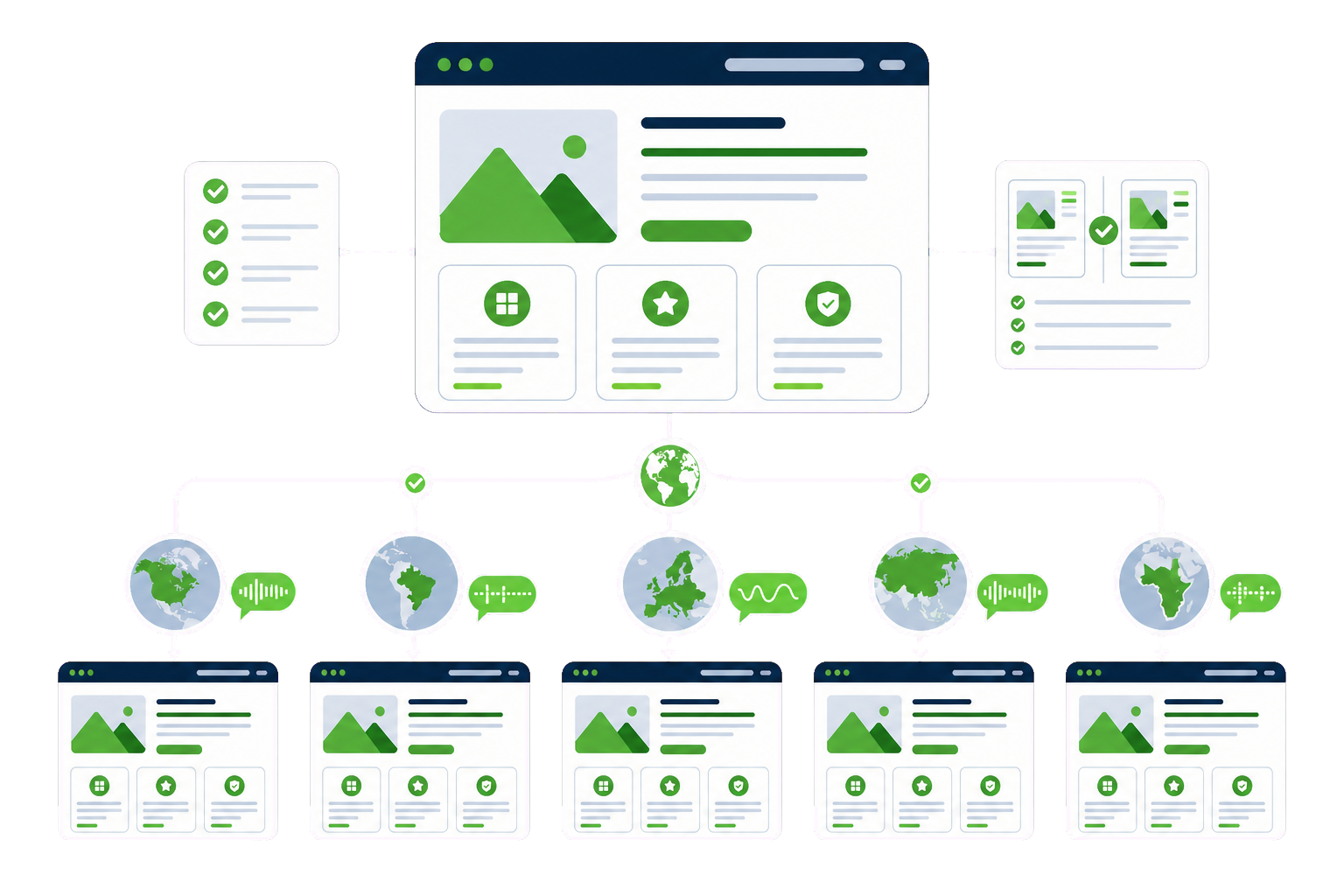
A second language done badly is worse than none — machine-translated pages that embarrass the brand, hreflang mistakes that confuse Google, checkouts that break in RTL. Done properly, every language is a real market: its own URLs, its own SEO, its own conversion path. That is the multilingual we build.

  • WPML / Polylang architecture chosen for your site, not by default
  • Per-language SEO: hreflang, translated slugs, localised metadata
  • Multilingual WooCommerce — currencies, emails and checkout included

The problem

What usually brings people here.

Google is confused

Wrong or missing hreflang means languages compete with each other — or the wrong language ranks in the wrong country.

The translation embarrasses

Raw machine translation on a premium brand. Visitors notice in the first sentence.

Half the site switched

Menus translated, forms not; products translated, checkout emails not. Every gap is a lost customer.

RTL as an afterthought

Arabic or Hebrew added to an LTR design breaks layouts nobody tested.

What we do

The work, specifically.

Discuss your project ↗︎

Multilingual architecture

WPML or Polylang set up on the right URL structure (subdirectories, usually) with language switching that keeps visitors where they were.

Translation workflow

Professional or reviewed-machine translation flows, glossaries for brand terms, and a process editors can sustain as content grows.

Per-language SEO

hreflang done exactly, translated slugs and metadata, localised schema — so each language builds its own rankings instead of borrowing scraps.

RTL support

Right-to-left languages with layouts genuinely mirrored and tested, not flipped by CSS luck.

Multilingual WooCommerce

Products, variations, checkout, emails and currencies per market — the whole buying path in the buyer’s language.

Ongoing sync

New content flowing into every language on a workflow, so the languages never drift out of date.

How it works

From first look to handover.

Our full process ↗︎
  1. Define markets, languages and URL strategy
  2. Build the architecture and migrate existing content in
  3. Translate with the agreed workflow; implement per-language SEO
  4. Test every flow per language — including checkout — then launch and monitor rankings

Questions

Multilingual Websites questions, answered plainly.

If your situation isn't covered here, send us the details and we'll reply with a straight answer.

WPML or Polylang — which should we use?

Both are excellent; the site decides. WPML suits complex sites and WooCommerce with heavy translation workflows; Polylang is leaner for straightforward content sites. We choose after looking at your content model, commerce needs and team — not by habit. Migrating between them later is possible but not free, so the first choice matters.

Is machine translation good enough?

For a knowledge base, reviewed machine translation can be fine. For pages that sell — home, services, product pages — human translation or thorough human review is the difference between credible and embarrassing. We usually blend: human where the brand lives, reviewed-machine where volume lives.

Will each language actually rank in Google?

Yes, if the technical layer is exact: correct hreflang pairs, indexable per-language URLs, translated titles, metadata and slugs. Each language then competes in its own market. This technical layer is precisely where DIY multilingual goes wrong — and the first thing we verify.

Can our WooCommerce store be multilingual with different currencies?

Yes. Products, variations, checkout fields, transactional emails and currency display are all translated and localised per market. The rule we build to: a buyer should complete the entire purchase — browse to receipt — without meeting a single string in the wrong language.