
Booking engine selection
Amelia, Bookly, WooCommerce Bookings or a custom flow — chosen against your actual model: services, staff, locations, resources, group sizes, durations.
Build · Specialised
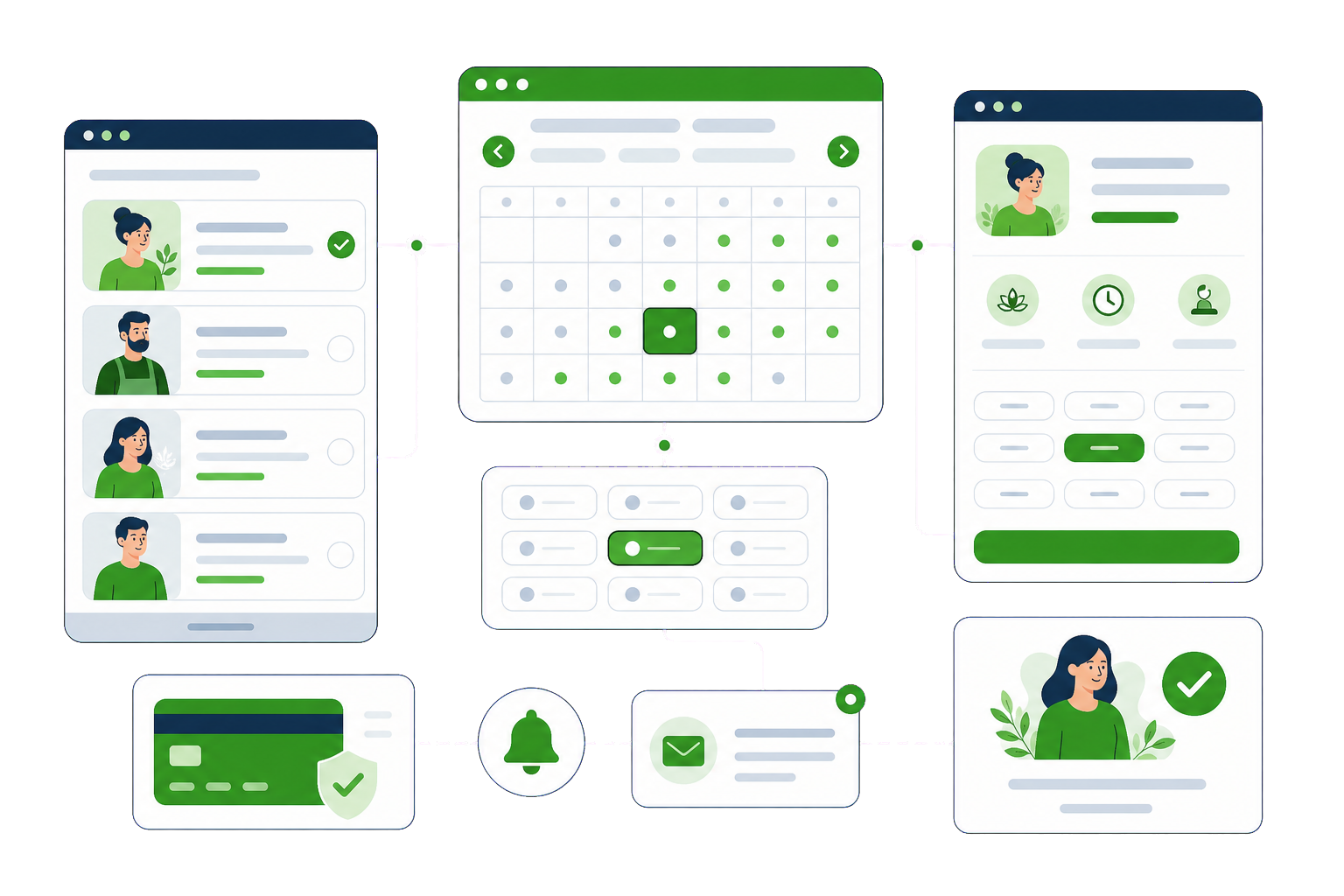
For a clinic, salon, studio, tour operator or consultant, the website has one job: turn interest into a confirmed, paid booking without a phone call. We build booking sites around that job — the right engine for your business model, payments and deposits at booking, reminders that cut no-shows, and calendars that never double-book. That is what our WordPress bookings work is built to fix.
The problem
Every booking needs a human, which means bookings end when the workday does — and competitors book while you sleep.
The website, the phone and the walk-ins are not on one calendar, and clients pay for the confusion.
Unconfirmed, unpaid bookings are easy to abandon. Empty slots cost the same as staffed ones.
A generic booking plugin forced onto multi-staff, multi-location or resource-based scheduling it was never built for.
What we do
Amelia, Bookly, WooCommerce Bookings or a custom flow — chosen against your actual model: services, staff, locations, resources, group sizes, durations.
Full payment or deposits taken at booking through your gateway. A paid booking is a kept booking — no-show rates fall immediately.
Staff schedules, buffers, working hours, blackout dates and two-way Google/Outlook sync — one calendar of record, no double-bookings.
Email and SMS confirmations, reminders and follow-ups — the automated front desk that never forgets to confirm.
Intake forms, package and membership bookings, recurring appointments, resource rental logic — built when off-the-shelf ends.
Fast, credible pages that carry visitors to the Book button — because the engine only converts the traffic the site persuades.
How it works
Questions
If your WordPress bookings question is not covered here, send us the details and we will reply with a straight answer.
The one that matches your model. Amelia handles multi-staff, multi-location service businesses gracefully; Bookly is strong for straightforward appointments; WooCommerce Bookings fits when bookings live inside a wider store; and genuinely unusual models get a custom flow. We pick from evidence of fit — the wrong engine is the most common thing we replace.
Yes, through your own payment gateway — full payment, fixed deposits or percentages, per service. It is the single most effective no-show reducer we implement: a booking with money attached is a booking people keep, and cancellations become manageable policy instead of empty chairs.
Yes — two-way sync per staff member, so external commitments block online slots and online bookings appear in their calendar. Combined with buffers and working-hours rules, the system maintains one calendar of record. Double-bookings stop being an apology you have to make.
Yes — that is precisely the configuration work: per-staff services, prices, schedules and time off; per-location hours and resources; and a booking flow that lets clients pick person and place, or just the earliest slot. Complexity like this is why setup deserves a professional pass.
Yes, for most businesses. Availability, staff and resource rules, payments and reminders all work well. The question is whether your rules fit a maintained plugin or need building.
The platform itself is documented at wordpress.org.
Timezones, double bookings under load, and reminder emails that never send. All three are testable before launch, and all three are the ones nobody tests.
We would like to use analytics cookies to understand how the site is used. They are not needed for the site to work, and nothing is loaded unless you agree. Privacy policy