
How we work
Our WordPress process, explained step by step.
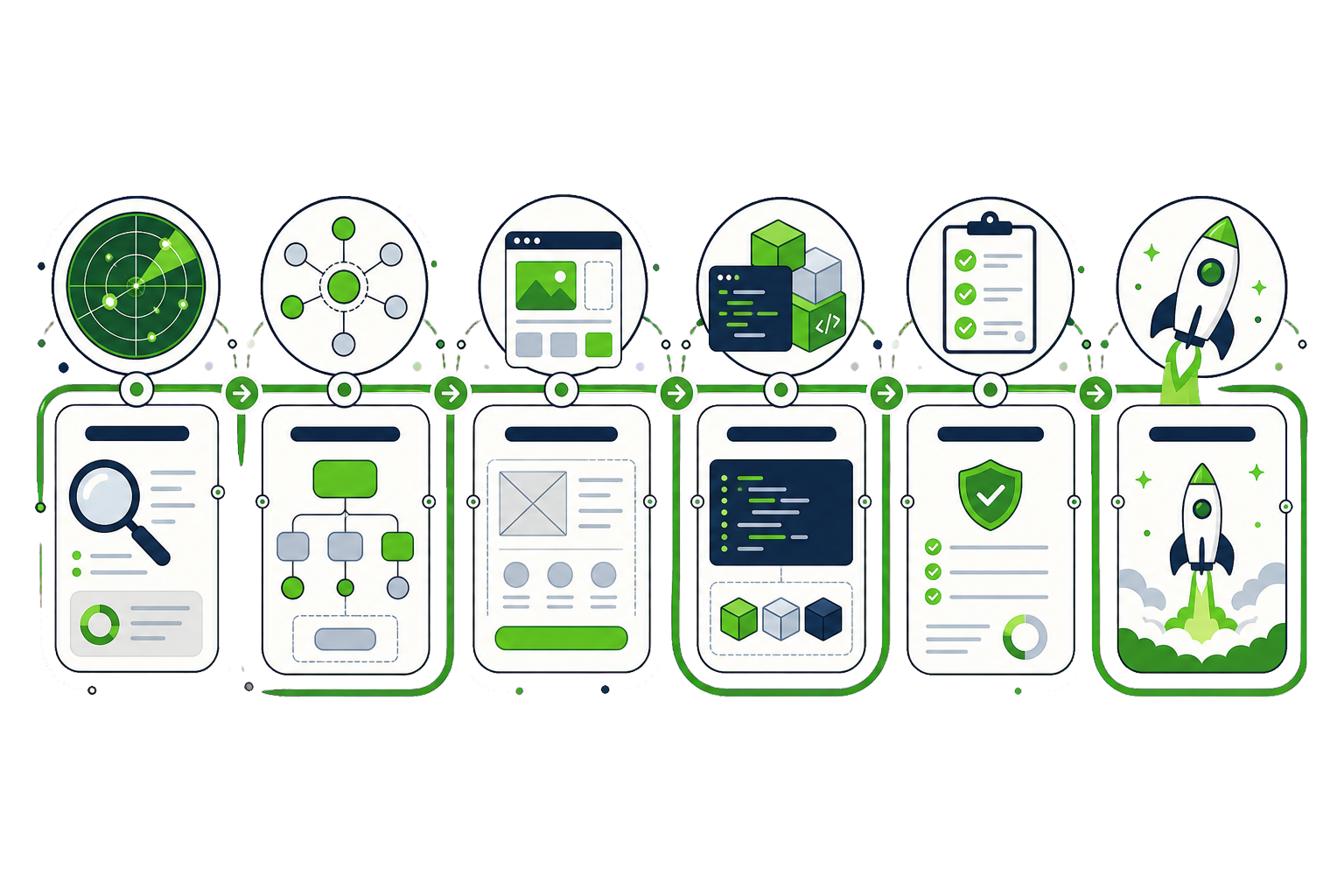
Good work is not luck — it is a process you can see coming. Every Dotance project runs on the same backbone: discover, plan, design, build, test, launch. Below is exactly what happens at each stage, and how that backbone changes for the five things clients ask us to do most — design, custom development, redesigns, online stores and speed. The same WordPress development process runs on a five-page site and a fifty-page one; only the depth of each stage changes.
- One transparent backbone across every project, no black boxes
- A defined process for design, development, redesign, WooCommerce and speed
- You always know the current stage, the next stage and what we need from you
01 · Website design
How we design a WordPress site.
Design starts with what you publish and who publishes it — not with a colour palette. The goal is a system that still looks designed two years and a hundred edits later.
- Content model first. We map the real content — headline lengths, product counts, image availability — so the design is built for what you actually have, not for lorem ipsum.
- Structure & wireframes. Low-fidelity layouts settle hierarchy, page templates and navigation before any visual polish, when changes are cheap.
- Visual design & system. Colour, type and spacing become reusable tokens feeding components and patterns — a design system, not a set of one-off screens.
- Prototype & review. You review a clickable prototype with every state defined, so approval means the build has no gaps to guess at.
- Build-ready handoff. Documented components, breakpoints and edge cases go to development — whether that is us or your own team.
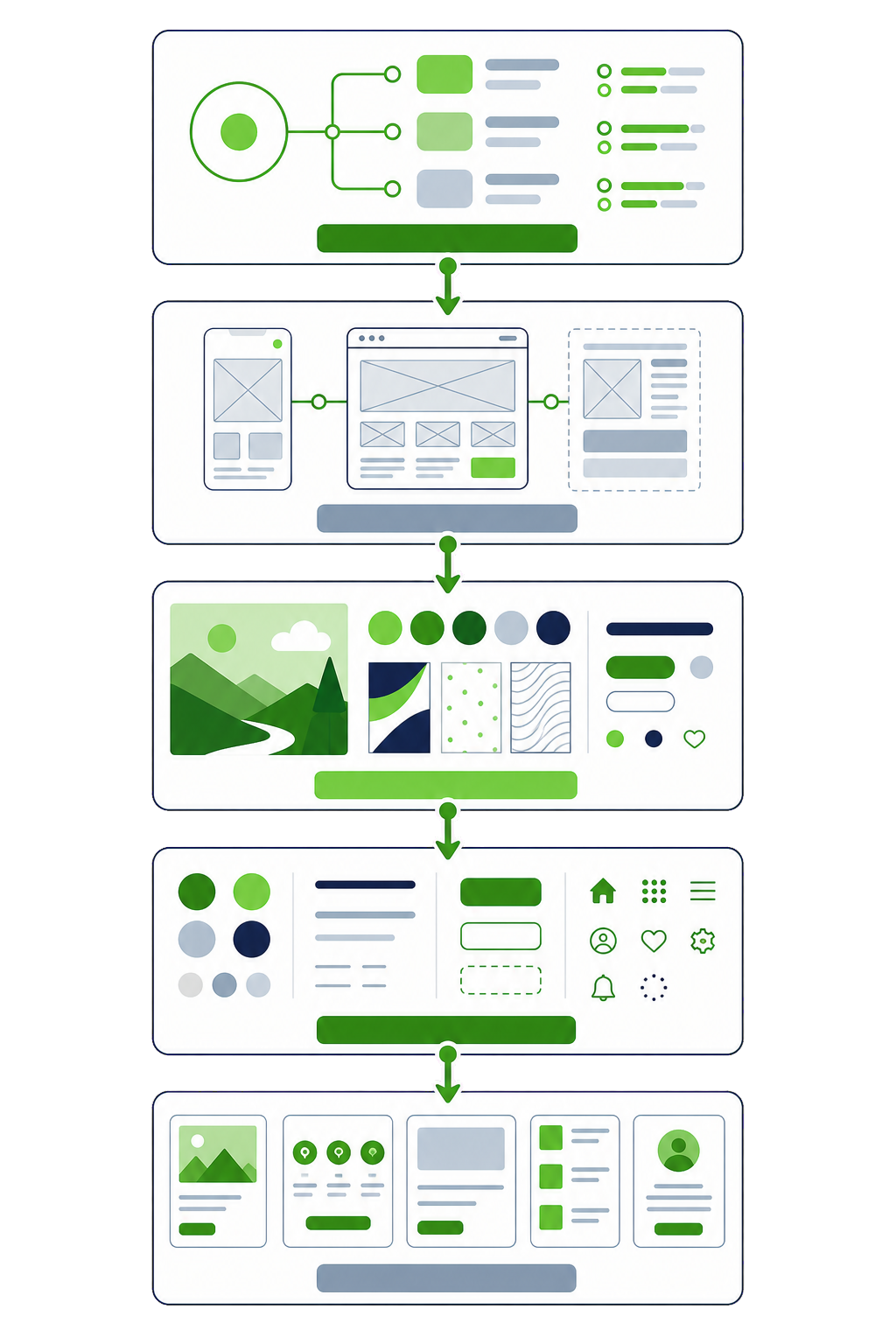
What you get: a documented design system, responsive layouts for every template, and specifications for every interaction state.
02 · Custom development
How we build custom WordPress.
Custom development is where a design becomes something editors can actually run without breaking it. We build to WordPress standards so the site outlives any one developer.
- Technical planning. We define the architecture — post types, fields, blocks, integrations — and set a performance and accessibility budget before writing code.
- Environment & tooling. Local, staging and production environments with version control, so every change is tracked and nothing is edited live.
- Block & theme build. Editable blocks with locked patterns and a fixed palette: freedom where content needs it, guardrails everywhere else.
- Integrations & data. CRMs, payment, ERP, APIs and migrations — connected and tested with real data, not happy-path demos.
- Code review & QA. Every change is reviewed against the performance budget and tested on staging before it ships.
- Documentation. A short handbook of how the blocks, fields and integrations work, so your team is never stuck.
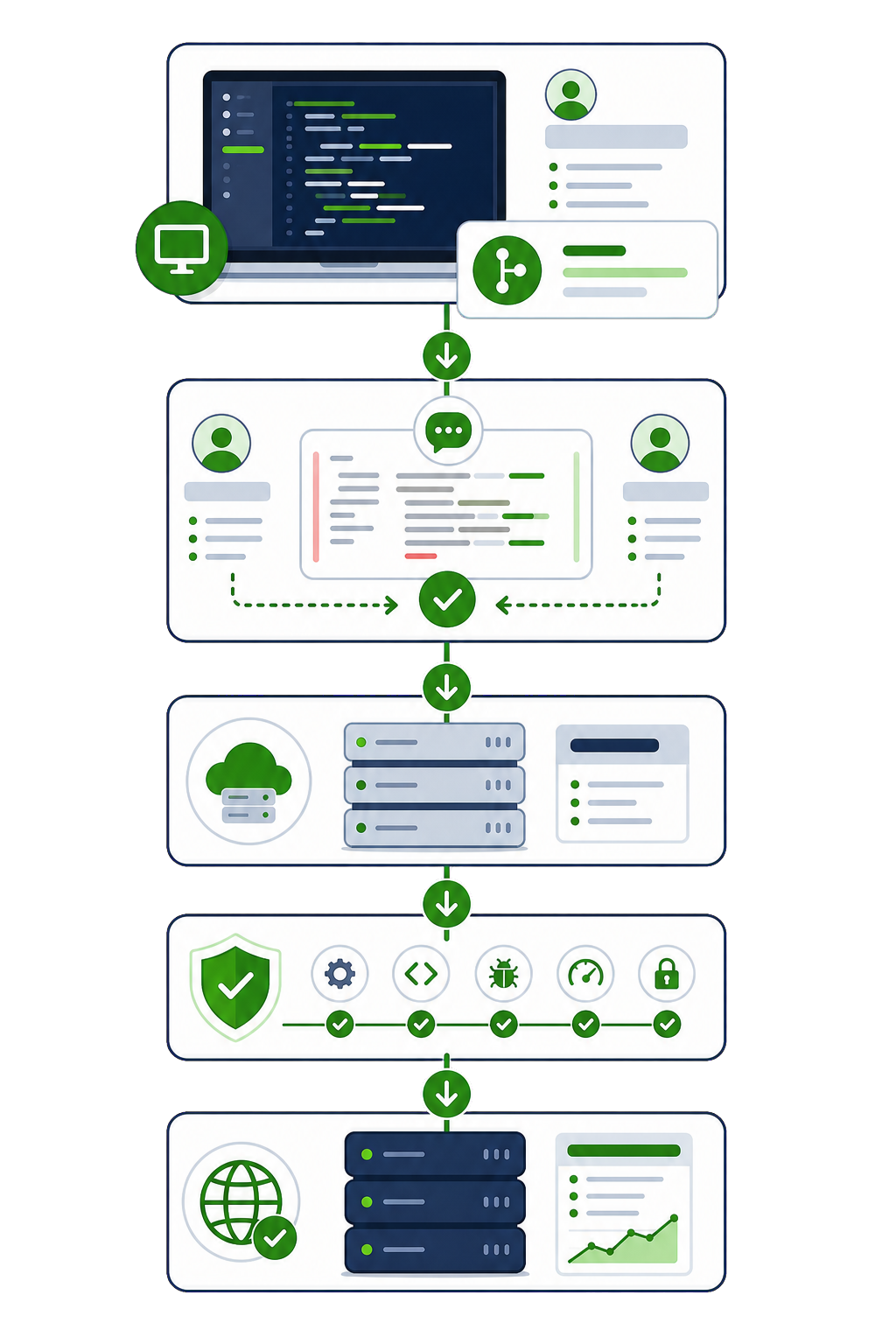
What you get: a standards-based theme, editable blocks with guardrails, tested integrations and documentation your team can use.
03 · Redesign & migration
How we redesign without losing rankings.
The biggest risk in a redesign is not design — it is losing the traffic the old site already earns. Our process protects rankings as a first-class requirement, not an afterthought.
- Baseline audit. We record current rankings, top-performing pages and traffic sources, so we know exactly what must be preserved.
- Content & URL inventory. Every existing URL is catalogued and scored — keep, merge, improve or retire — before anything is rebuilt.
- Redesign & rebuild. The new design and build follow our standard design and development stages, on a staging copy alongside the live site.
- Redirect mapping. A one-to-one 301 map from old URLs to new, so link equity and bookmarks survive the move.
- Pre-launch parity check. Metadata, headings, structured data and internal links are checked against the baseline so nothing regresses.
- Launch & monitor. We launch at a low-traffic window, submit the new map to search engines and watch rankings closely for weeks.
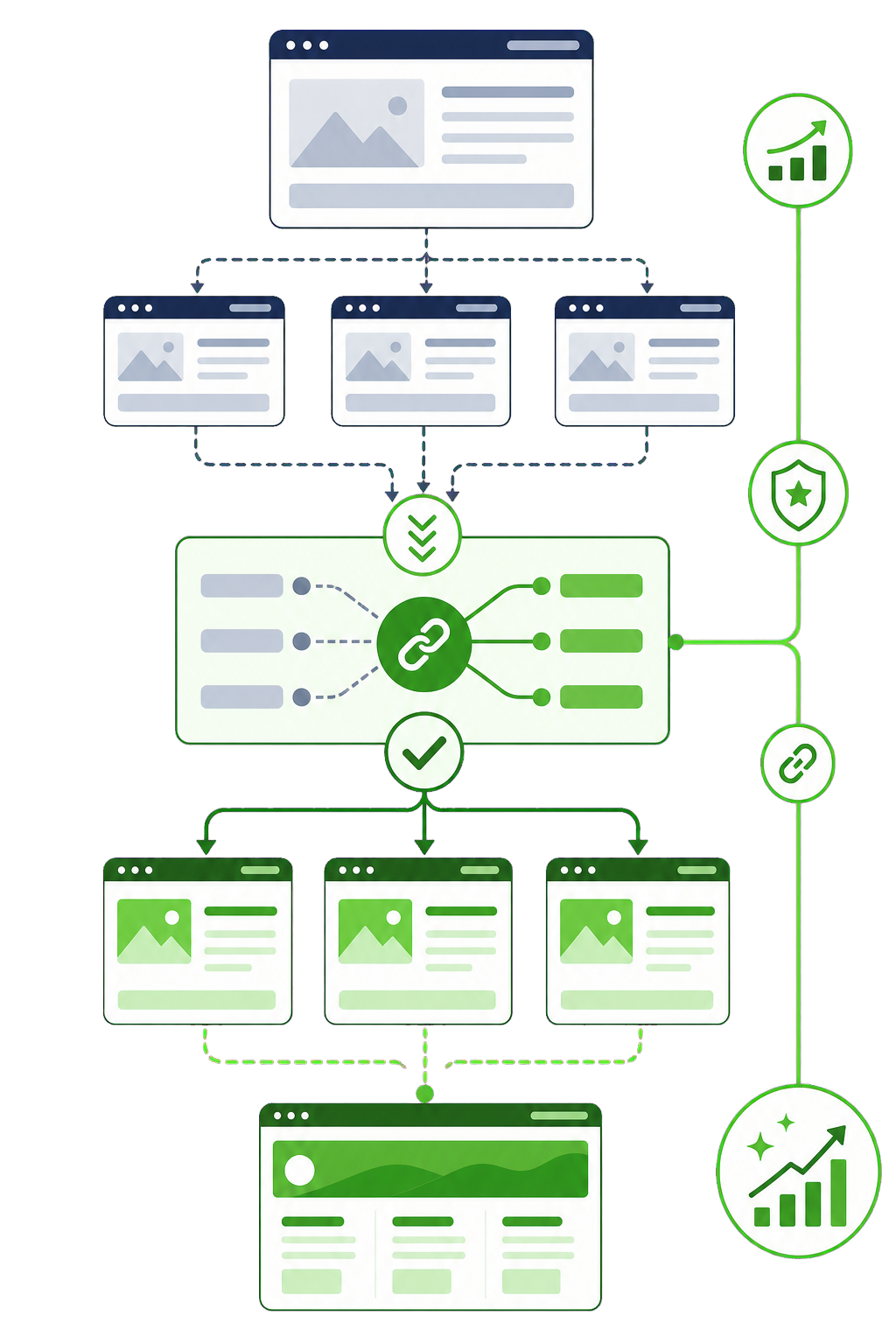
What you get: a full redirect map, a pre-launch SEO parity report, and a monitored launch with rollback ready.
04 · WooCommerce & online stores
How we build a WooCommerce store.
A store is only as good as its checkout and its integrations. We build the parts closest to revenue first, and test them under real conditions before launch.
- Catalog & requirements. Products, variations, tax, shipping and payment rules are mapped up front — this is where most store projects go wrong.
- Store architecture. We structure products, categories and pricing for the way you actually sell, including B2B or subscription models where needed.
- Checkout & UX build. The path from product to paid is built and streamlined, because every extra step is lost revenue.
- Integrations. Payment gateways, ERP or inventory, email and analytics — connected so stock and orders never fall out of sync.
- Load & security testing. We test checkout under load and harden the store, since logged-in and cart traffic bypasses ordinary caching.
- Launch & optimise. After launch we watch conversion and checkout drop-off, and tune what the data shows.
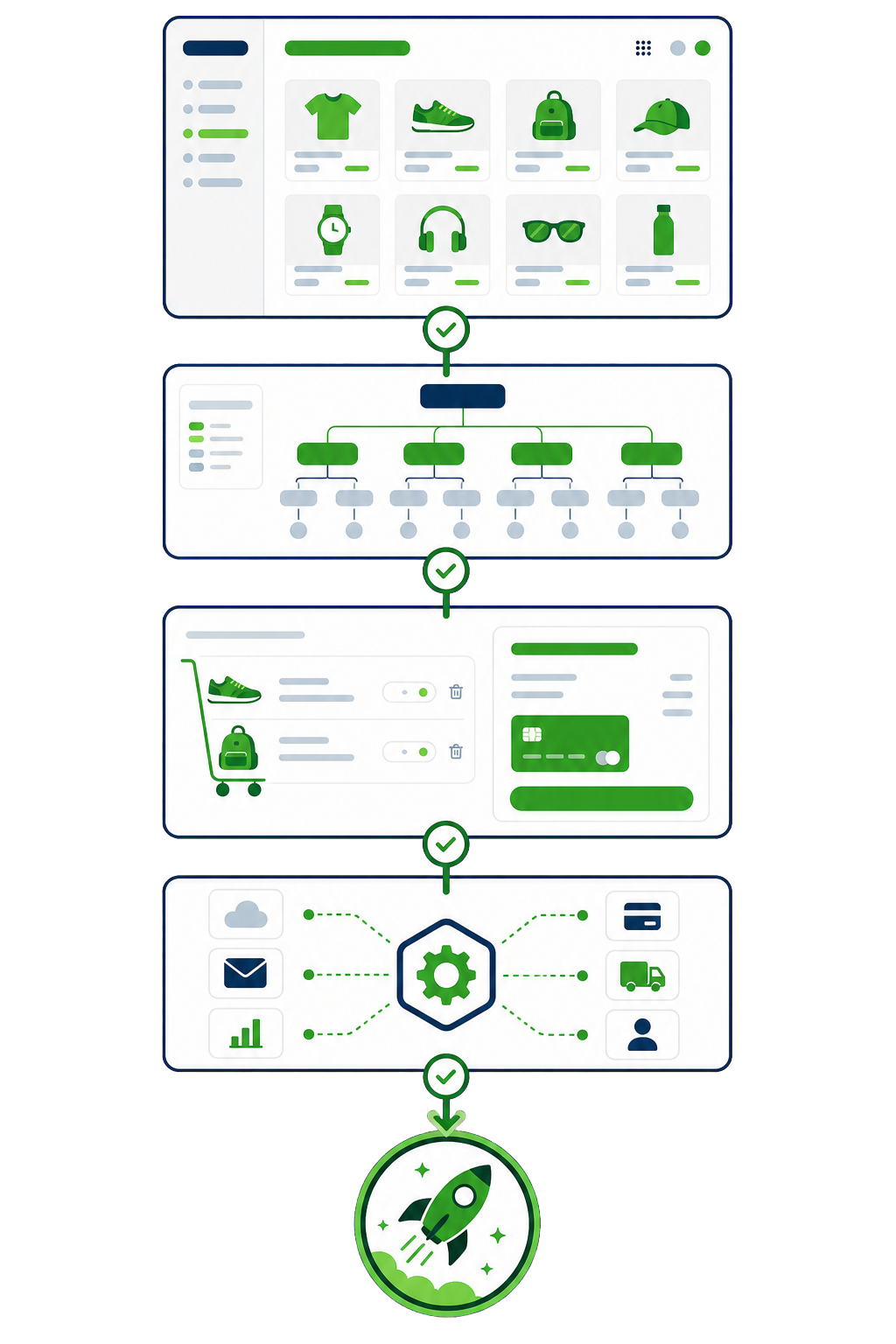
What you get: a tested checkout, synced integrations, load and security checks, and conversion analytics from day one.
05 · Speed optimization
How we optimize WordPress speed.
A green score in a lab tool is not a fast site for real users. Our process is a measurement loop that fixes causes at the source, so the gains survive the next plugin update.
- Measure with field data. We start from real-user Core Web Vitals, not a single lab test on an empty cache — because that is what Google and your customers actually experience.
- Diagnose the causes. Render-blocking assets, database queries, plugin bloat and un-cacheable pages are identified specifically, with evidence.
- Fix at the source. We fix the underlying cause rather than stacking another caching plugin on top of the problem.
- Caching & delivery. Page, object and asset caching plus a delivery layer are configured to match how your site is actually used.
- Re-measure & verify. We confirm the improvement in field data, with before-and-after numbers you can show your board.
- Guardrails. A performance budget and monitoring so speed does not quietly erode three months later.
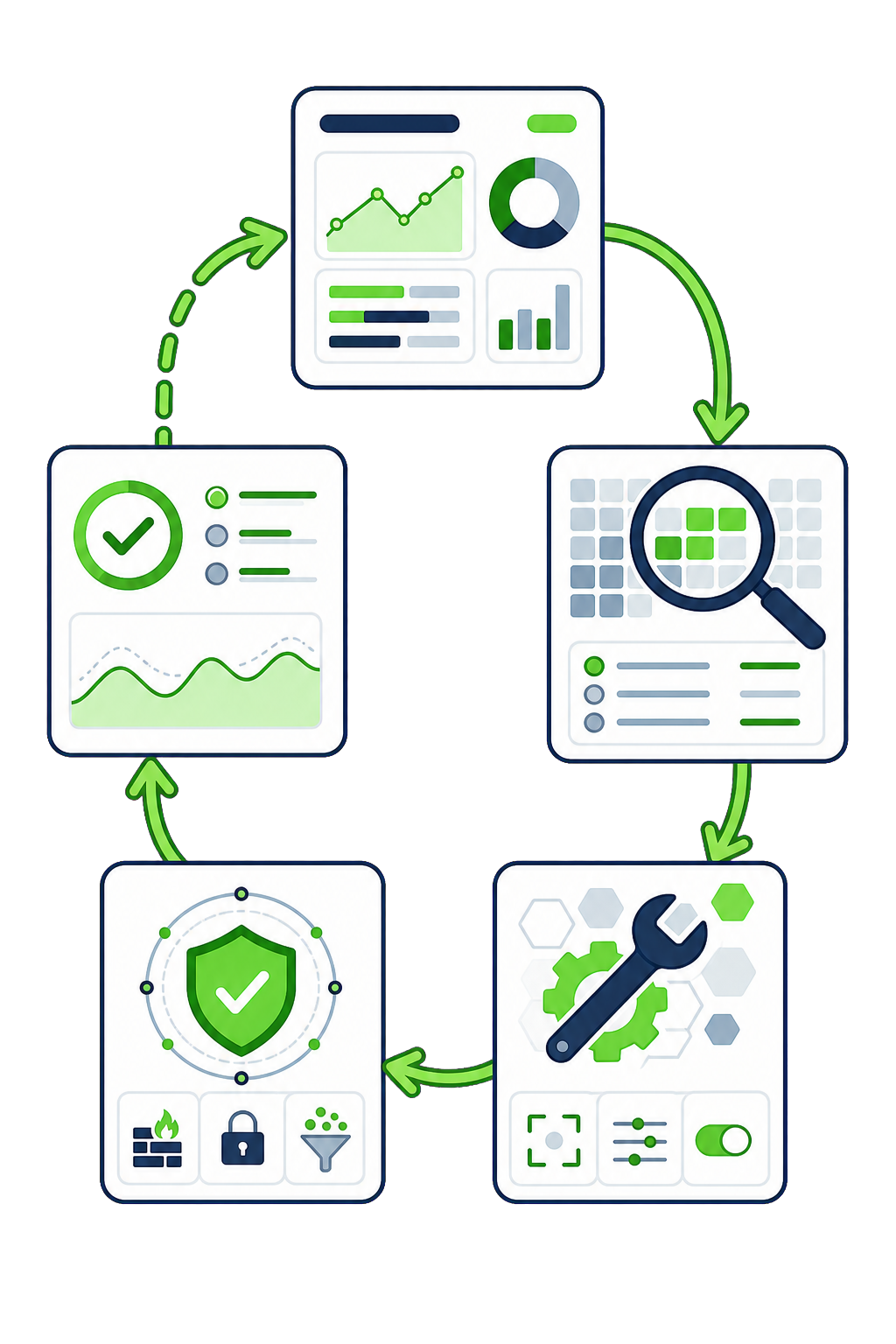
What you get: a before-and-after field-data report, fixes at the source, and guardrails that keep the site fast.